SOP 20 · Run review · 2026-10-12
Find and inspect a completed run
Locate a run and interpret its evidence in context.
Before you start
Know the property and approximate work date.
Open Review > Run history
Step 1 Filter history
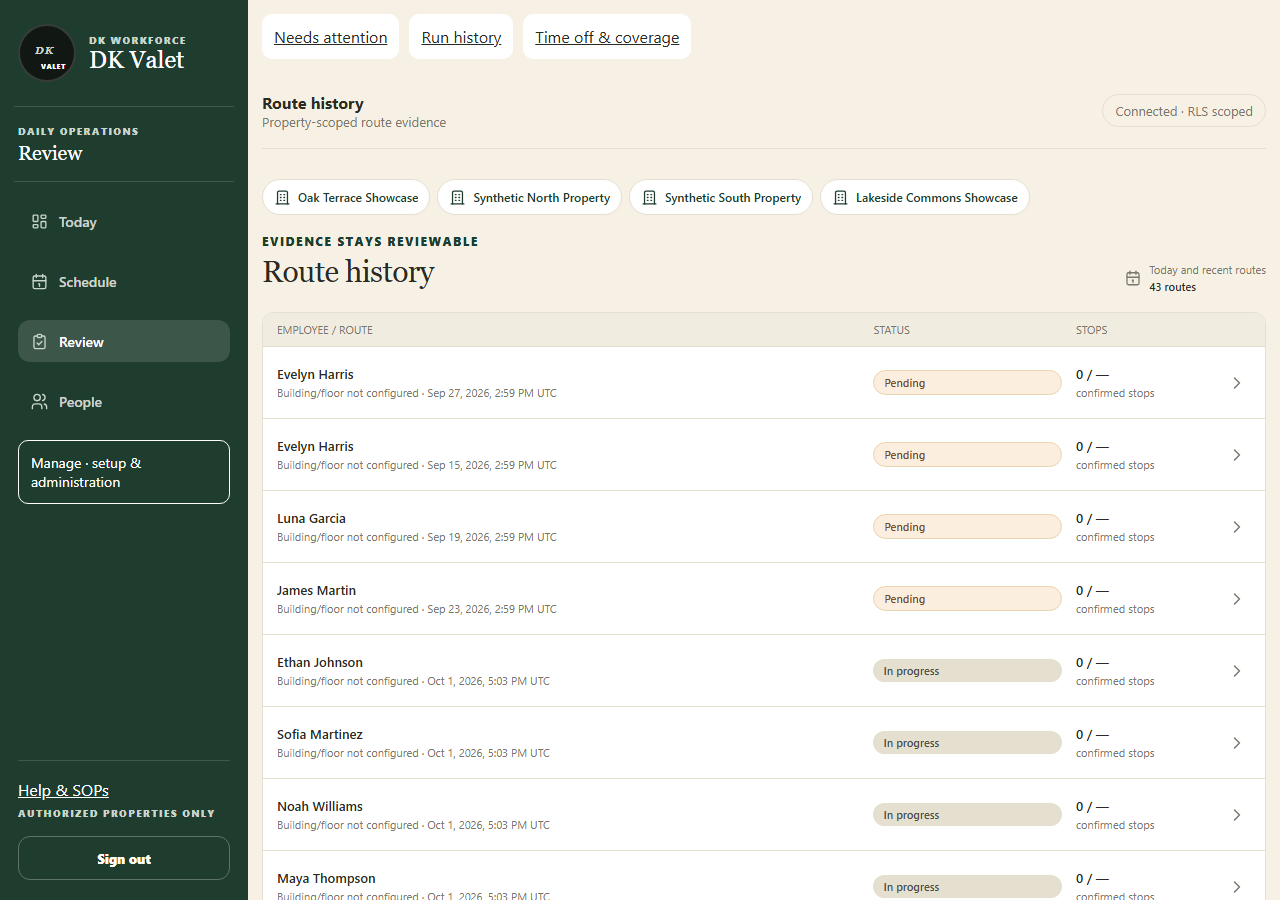
Open Run history, choose the authorized property and apply available date, person or status filters.
Step 2 Open the run
Select the intended employee and run. Verify property, start and end times and run status.
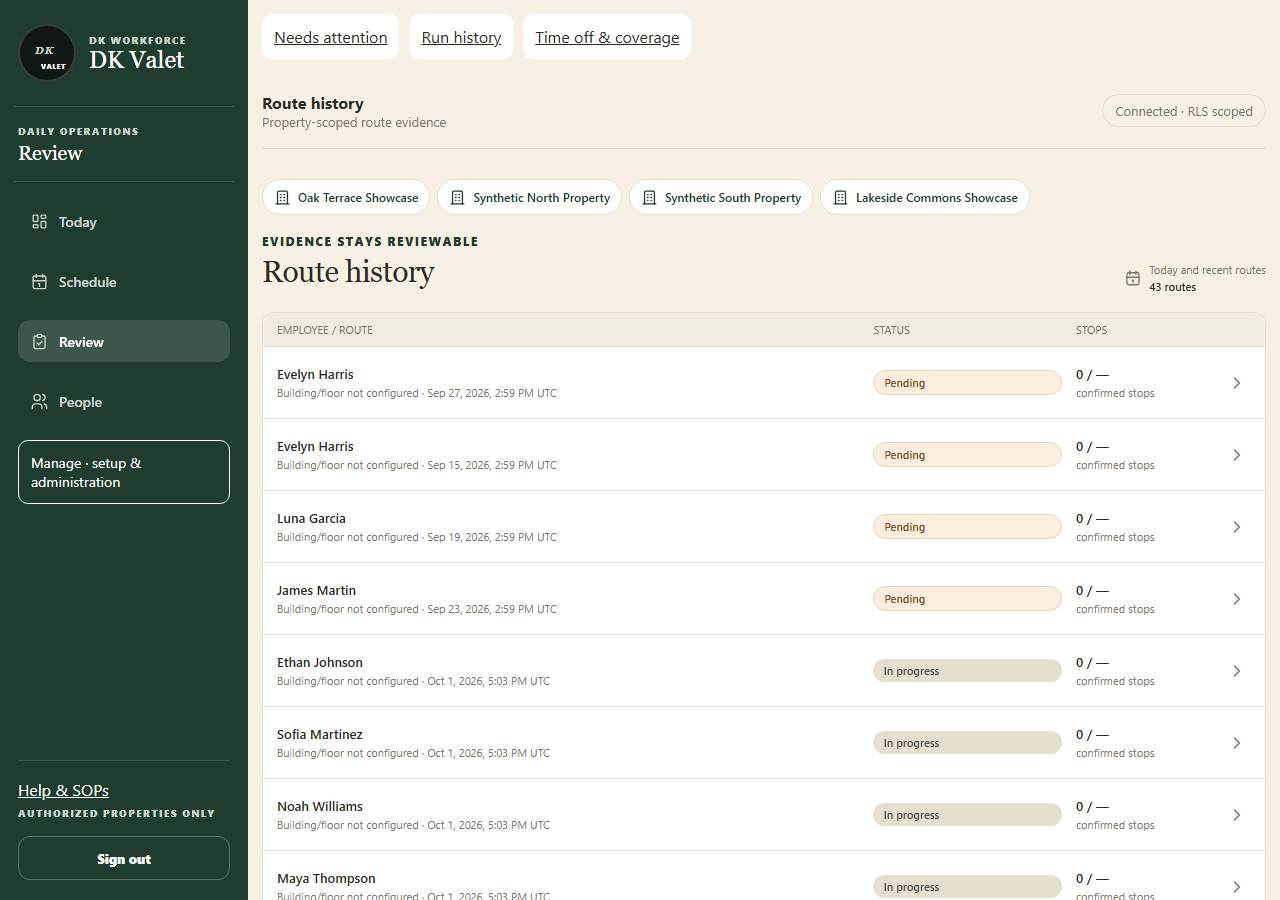
Route history: use the property selector and the task controls shown. Application screenshot with training data. Select the picture to enlarge. Step 3 Read evidence quality
Review GPS freshness and accuracy, permission and device information, upload state and any gaps.
Step 4 Compare the recorded evidence
Use route replay and checkpoint or unit evidence. Read inferred visit results separately from explicit marks and the employee finish statement.
Step 5 Follow up on exceptions
Open the closeout review or record the appropriate operational follow-up. Keep unknown results unknown until supporting evidence exists.
Check your result
Your review identifies what was recorded, what was inferred and what remains unresolved.
If something goes wrong
An ordinary phone location does not prove an exact indoor unit or floor.