SOP 21 · Run review · 2026-10-12
Replay compare and export run evidence
Compare an associate run with the approved reference and export permitted evidence.
Before you start
Open the correct run. Analysis may need accepted uploads and processing before results appear.
Open Run history > Run detail
Step 1 Open replay and comparison
From the run detail open its route replay, analysis or employee-run comparison view. Check which reference version is being used.
Step 2 Inspect layers and timing
Use the available playback, time, unit and path controls. Read gaps, uncertainty and quality labels beside the path.
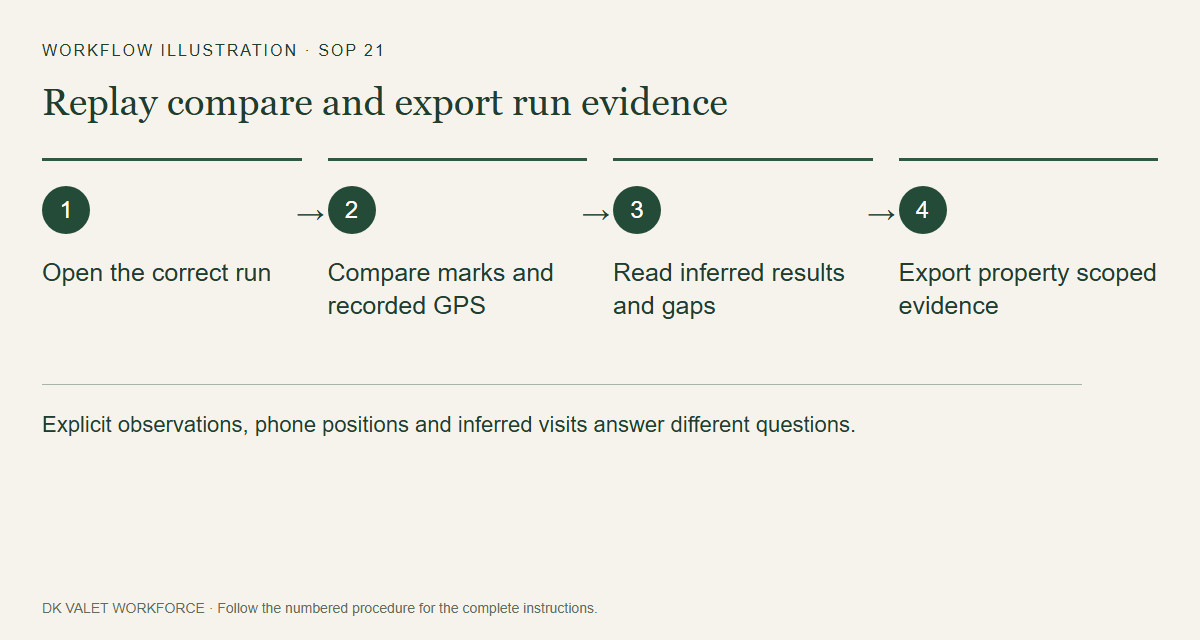
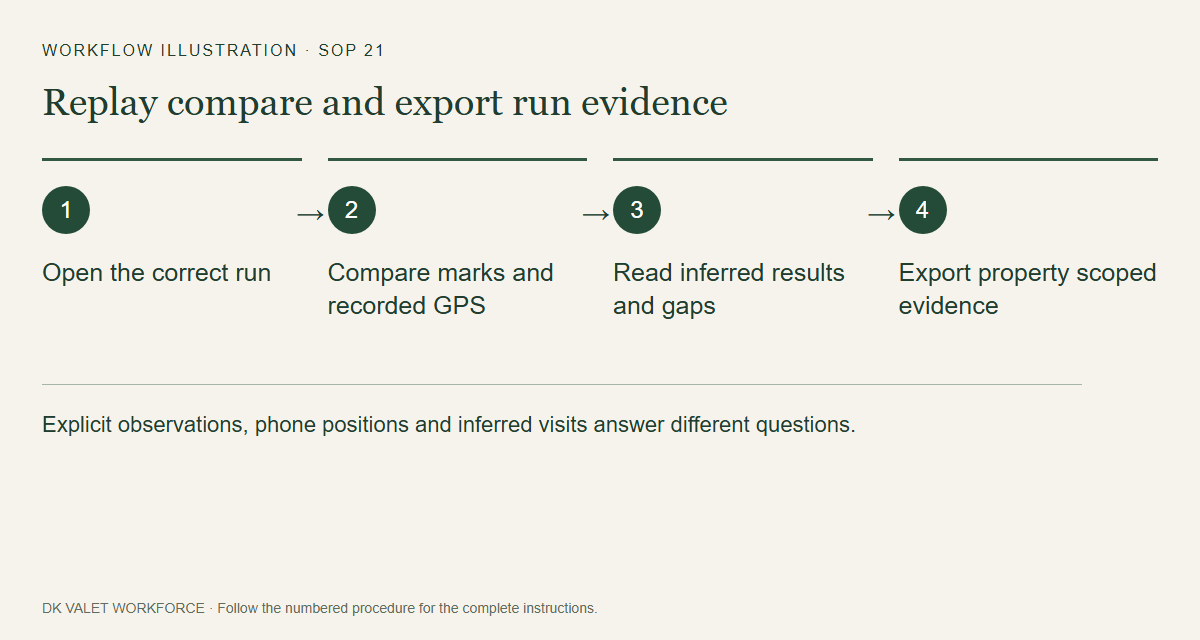
Explicit observations, phone positions and inferred visits answer different questions. Workflow illustration. Select the picture to enlarge. Step 3 Review analysis status
Refresh pending results. Where offered, use the authorized analysis action, then wait for its result instead of repeatedly submitting.
Step 4 Export when needed
On web use the offered evidence export link. Check the property and run in the exported file and share it only with authorized recipients.
Check your result
The comparison or export remains tied to the selected run and property.
If something goes wrong
Different path models are interpretations of the same evidence. A drawn line or inferred visit is not a checkpoint scan.