SOP 10 · People and access · 2026-10-12
Maintain people and property access
Keep contact records and property roles accurate.
Before you start
Supervisors can manage property roles at their own properties. Organization-wide contact and account security controls remain administrator-only.
Open People or Manage > People administration
Step 1 Find the person
Search People by name or email and open the correct person. Check the identity before editing.
Step 2 Update contact details
Where available, edit the contact fields and enter the reason. Save the contact change and wait for confirmation.
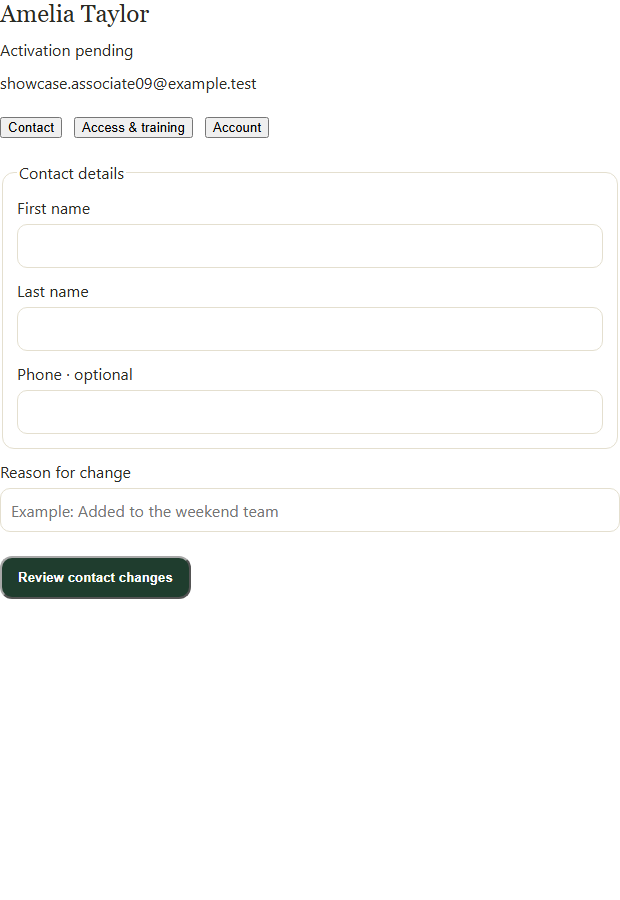
Open the person, choose Contact or Access & training, and review changes before confirming. Application screenshot with training data. Select the picture to enlarge. Step 3 Review each property role
Open the property access controls. Choose the intended role or remove access using the available options. An organization-wide role may also grant access.
Step 4 Save the property change
Enter the required reason and save or confirm the change. Reopen the person and check the resulting property role.
Step 5 Review training separately
Open Property access & training for work eligibility. An account or property role alone does not establish eligible training.
Check your result
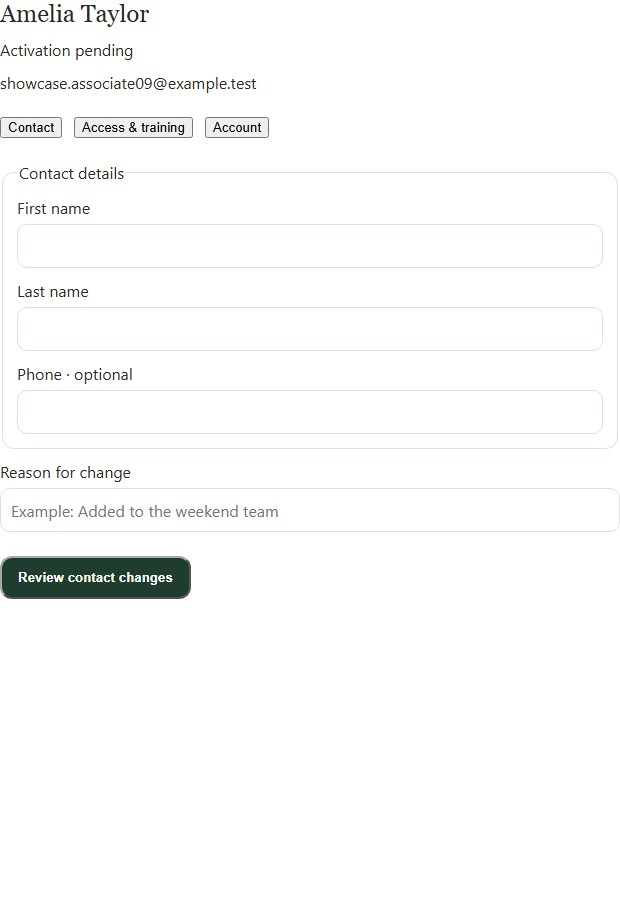
The person’s saved contact details and intended property scopes are shown.
If something goes wrong
If you cannot manage a listed property, ask an administrator who can. A preferred/default property does not grant authority.