SOP 12 · People and access · 2026-10-12
Use account security controls
Perform an approved password, session or account-status action for the correct person.
Before you start
Company administrator access and a clear operational reason are required.
Open People administration > Person > Account security
Step 1 Open the correct account
Find the person and open Account security. Verify name, email and current Active or Inactive status.
Step 2 Choose the action
Read the description under Account action. Choose the specific password, session or activation action needed.
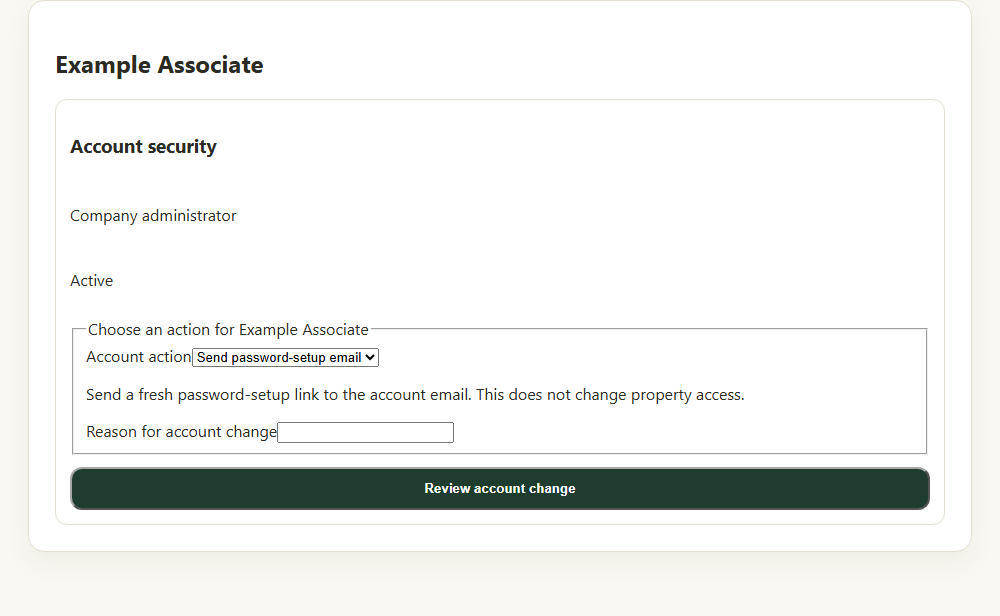
Choose an account action and enter the reason before reviewing the change. Application component preview with training data. Select the picture to enlarge. Step 3 Enter required details
Enter the reason. If setting a temporary password, follow the displayed length requirement and share it privately.
Step 4 Review and confirm
Select Review account change. Verify the named person and action, then select Confirm account change.
Step 5 Verify the result
Wait for Account change completed and check the refreshed state. Ask the affected person to complete any required password setup.
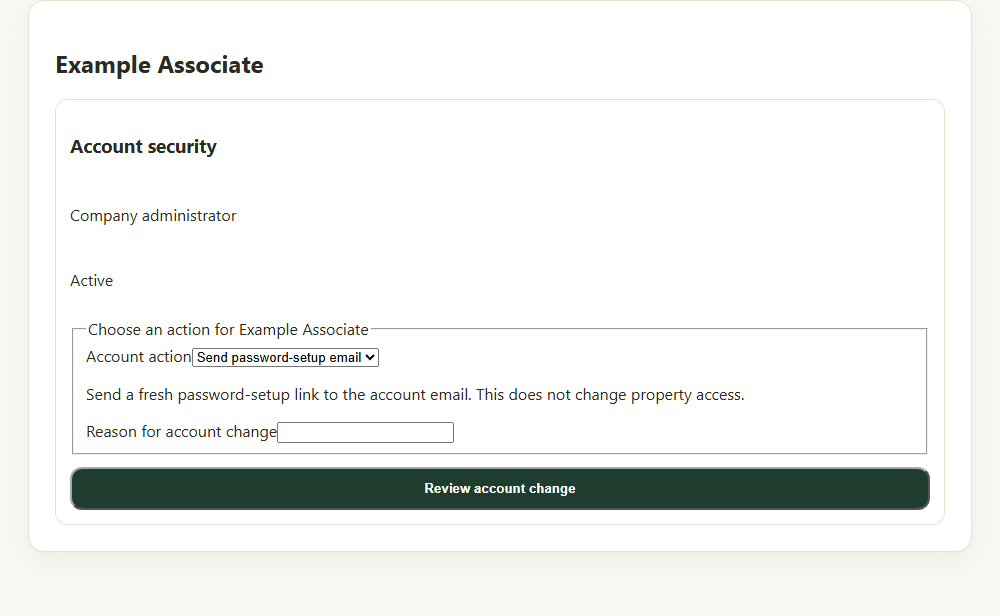
Check your result
The account action completes and the refreshed status matches the intended action.
If something goes wrong
If the result is uncertain, refresh before retrying. Account changes do not grant new property access.