SOP 18 · Daily operations · 2026-10-12
Monitor daily and district operations
Review current work and act on property-specific exceptions.
Before you start
Only authorized properties are shown. Refresh before relying on stale information.
Open Today
Step 1 Open Today
Choose the company or district and selected property scope. Review the date, current work and attention counts.
Step 2 Inspect the map and property list
Choose a property or worker to focus its boundary and details. Check last-seen time and reported accuracy.
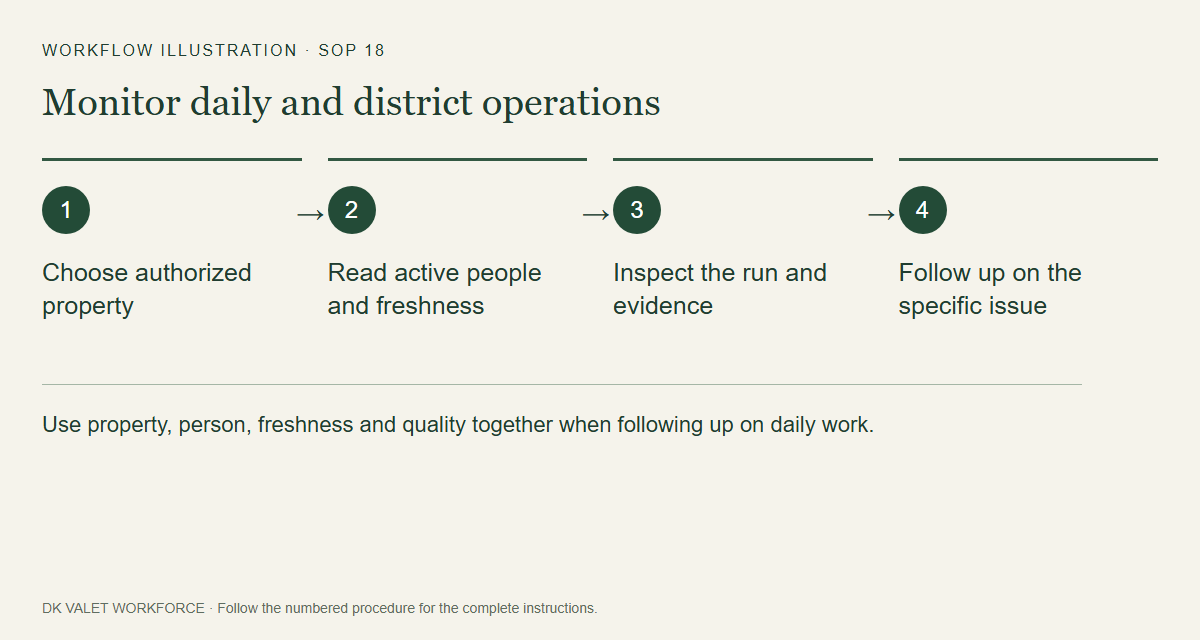
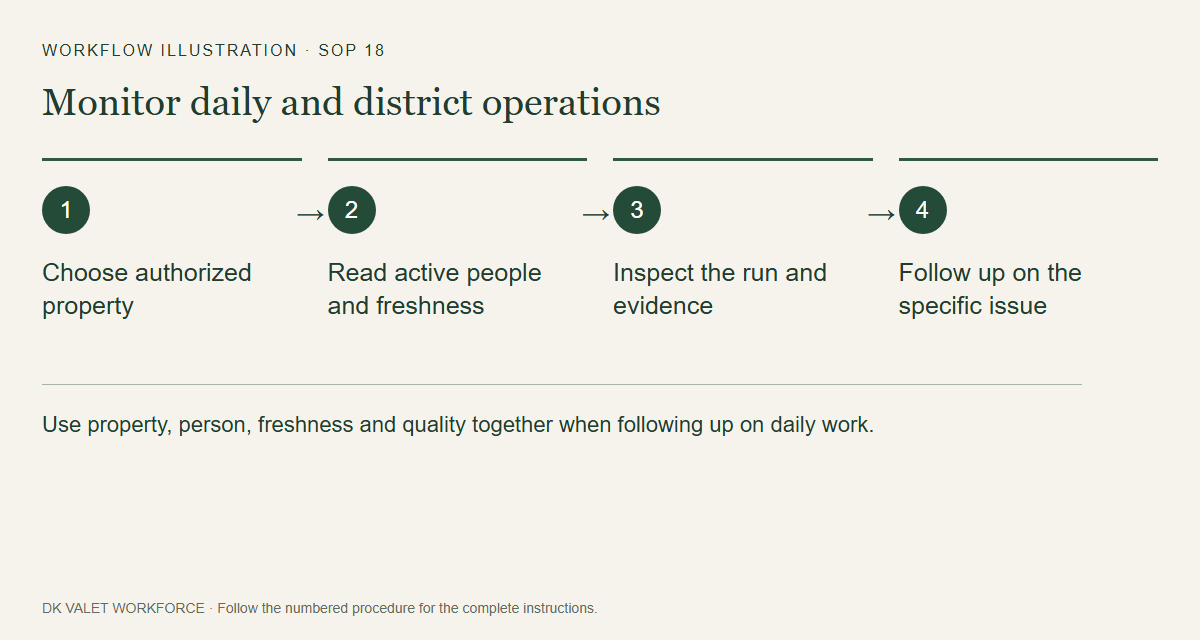
Use property, person, freshness and quality together when following up on daily work. Workflow illustration. Select the picture to enlarge. Step 3 Review incomplete information
Read unknown, degraded, stale, offline or permission warnings alongside progress. Missing updates do not establish absence or missed service.
Step 4 Open the relevant task
Use Schedule for staffing, Review for exceptions, or the selected run to inspect evidence. Refresh after addressing the issue.
Check your result
You have identified the property and work item that requires follow-up.
If something goes wrong
District totals may be incomplete when individual data loads fail. Use the shown freshness and warning labels.