SOP 19 · Daily operations · 2026-10-12
Record a handoff and review an exception
Leave a property-specific handoff or record the outcome of an exception review.
Before you start
Open the exact property, shift or run that needs follow-up.
Open Today or Review > Needs attention
Step 1 Inspect the item
Read the exception or existing handoff and open the associated run or staffing details when needed.
Step 2 Write the operational note
Use the handoff or review form. Describe the observed issue and next action without access codes, medical details or unsupported location claims.
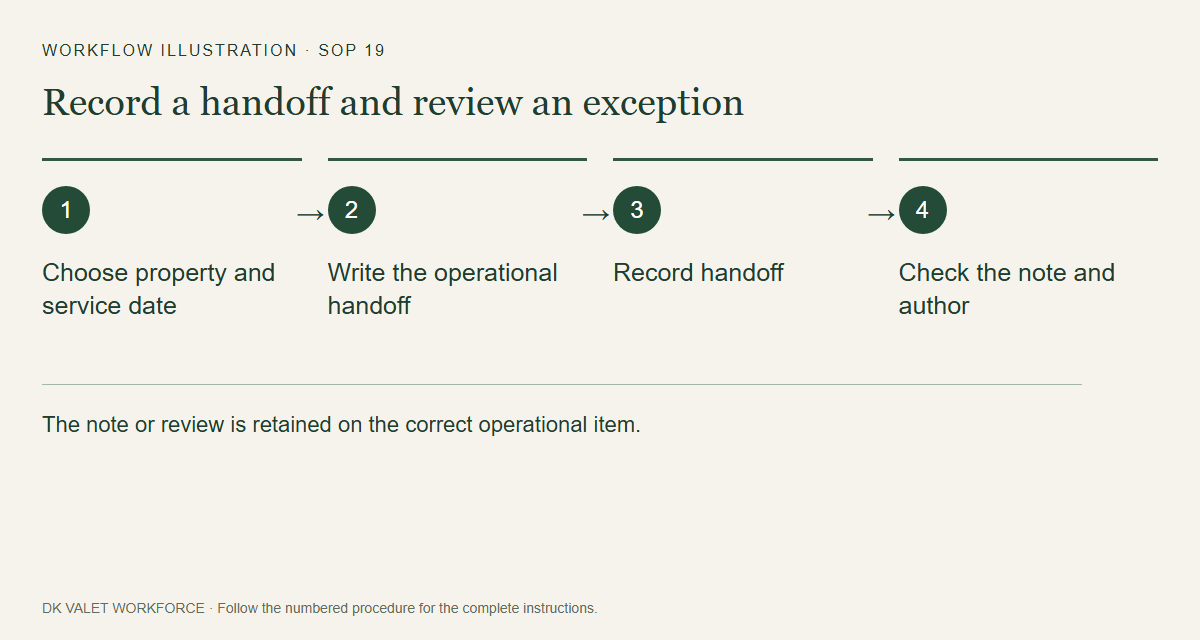
The note or review is retained on the correct operational item. Workflow illustration. Select the picture to enlarge. Step 3 Review the decision
Choose the available review outcome where required. Verify the selected property and the note before confirmation.
Step 4 Save and verify
Submit the form and inspect the saved handoff or review state. Communicate urgent issues through the established supervisor channel.
Check your result
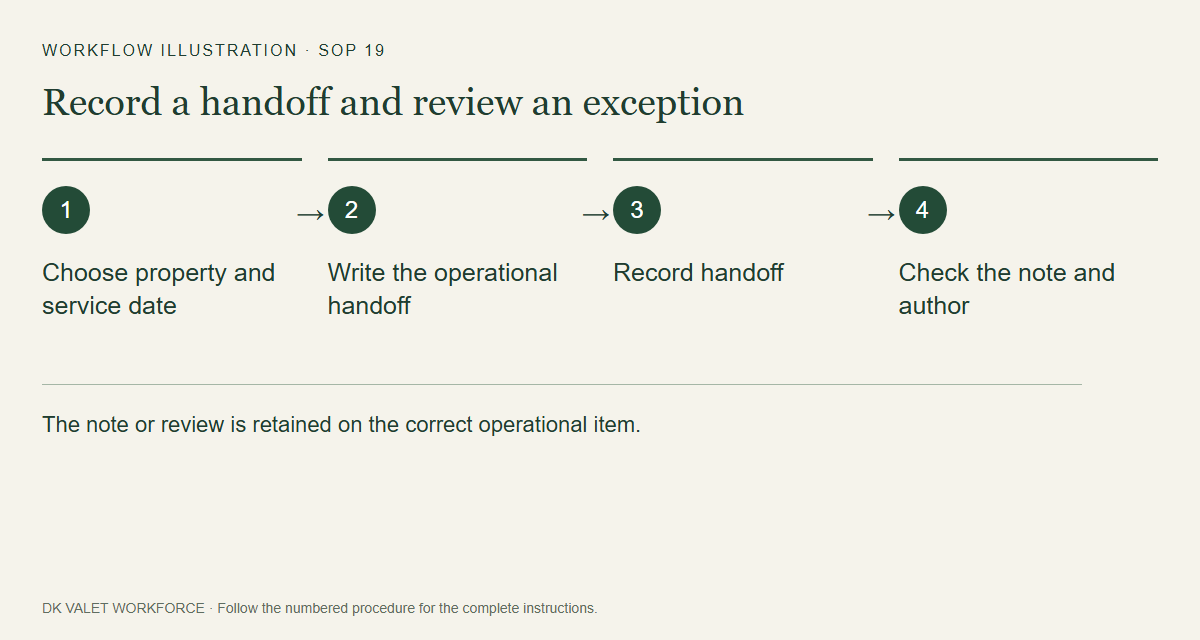
The note or review is retained on the correct operational item.
If something goes wrong
Marking an exception reviewed does not rewrite tracking evidence or prove service completion.