SOP 55 · Daily operations · 2026-10-12
Start a supervisor support run
Record work at an assigned property outside a normal scheduled window.
Before you start
An active field-property assignment, published route, configured run-duration policy and usable location are required.
Open Today > Clock in at a property
Step 1 Choose the property
Select Clock in at a property from Today. Search and choose the property where you will actually work. Preparation alone does not collect location.
Step 2 Complete arrival checks
Review applicable instructions and permissions. Be inside the configured boundary. The supervisor timing exception does not bypass geofence or device checks.
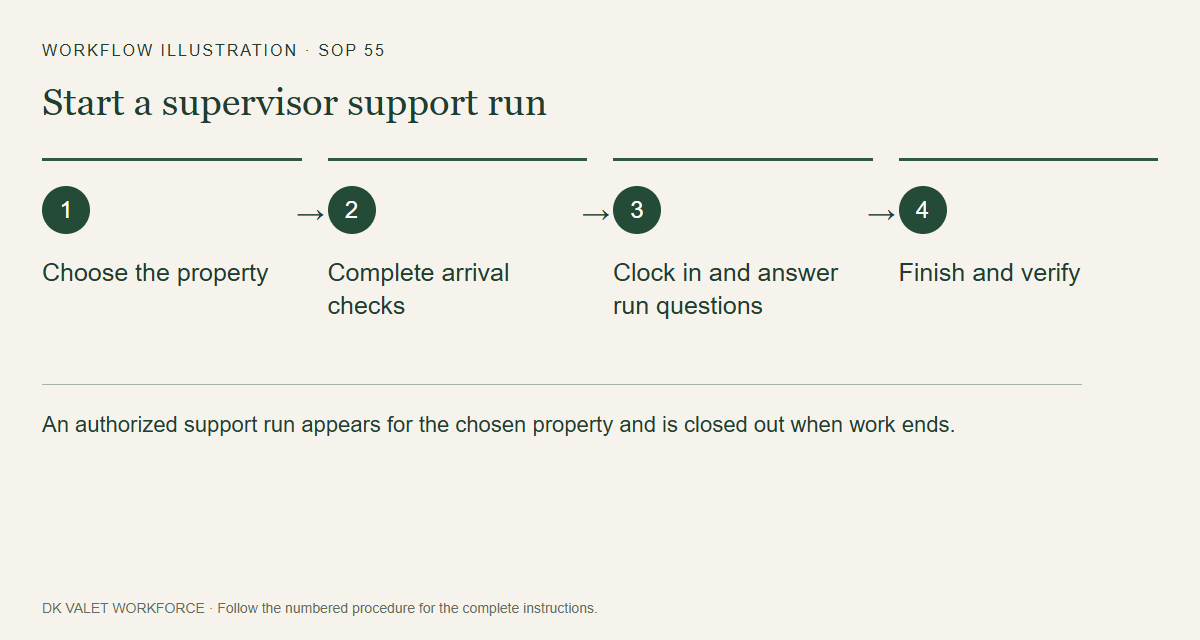
An authorized support run appears for the chosen property and is closed out when work ends. Workflow illustration. Select the picture to enlarge. Step 3 Clock in and answer run questions
Clock in only when ready to work. Answer the due questions truthfully and add requested photos (SOP 38), then follow the published unit route.
Step 4 Finish and verify
Use Finish run when work ends. Review unconfirmed units and submit your truthful statement. Confirm collection stopped and evidence uploaded separately. The independent safety cutoff remains active.
Check your result
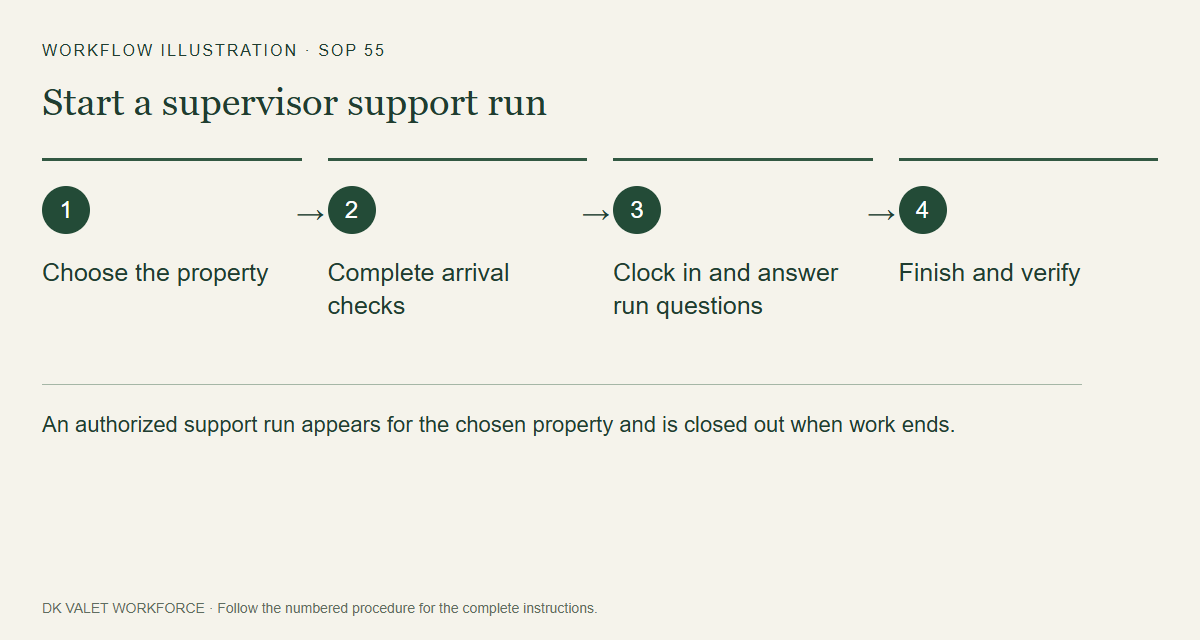
An authorized support run appears for the chosen property and is closed out when work ends.
If something goes wrong
If multiple phase routes exist without a property-wide route, use an explicitly scheduled phase shift. Ask an administrator to resolve missing configuration.