SOP 49 · Getting started · 2026-10-12
Sign out and review privacy information
End your account session and find the application’s privacy and terms information.
Before you start
Complete active run/setup closeout and preserve pending uploads first.
Open Account > Sign out and website footer
Step 1 Check current work
Confirm any route or setup recording is finished. Read pending stop, upload and finish-statement messages before changing accounts.
Step 2 Open Account
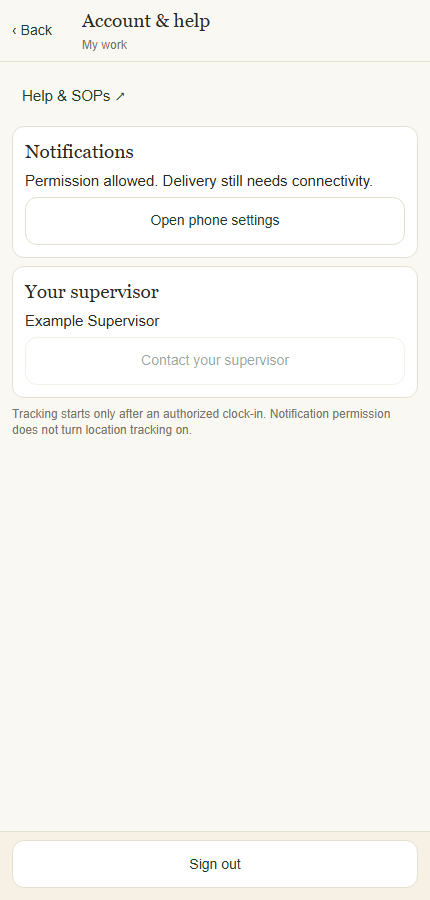
On mobile open Account & help. On web use Account or the sidebar Sign out control.
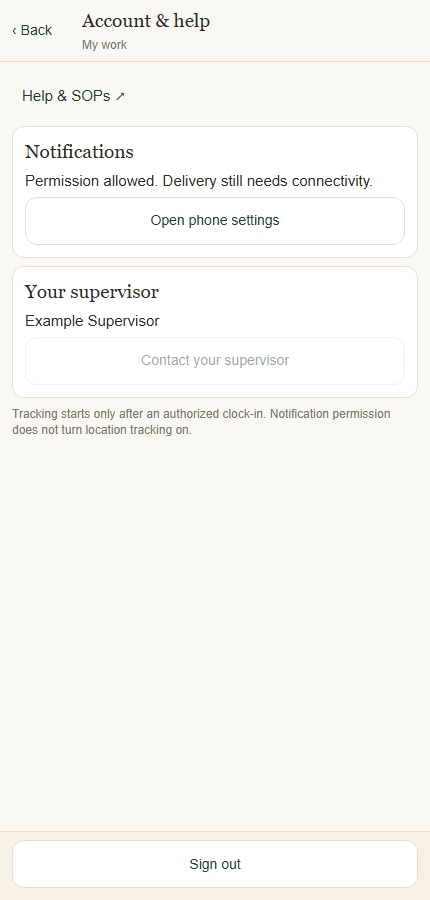
Account and help contains support, notification settings and Sign out. Application component preview with training data. Select the picture to enlarge. Step 3 Sign out
Select Sign out and follow any pending-work warning. If sign-out is blocked, complete the indicated recovery or contact your supervisor.
Step 4 Read the published notices
On the Operations website use Privacy and Terms in the footer. Use Help & SOPs to return to these procedures.
Check your result
The app returns to sign-in when sign-out is permitted; pending-work warnings have been addressed.
If something goes wrong
Signing out is not a substitute for confirming collection has stopped.