SOP 39 · Associate work · 2026-10-12
Follow the route and report an issue
Perform the assigned work while checking recording health.
Before you start
An authorized active run and the assigned unit list must be available.
Open Your route
Step 1 Review the route
Read the instructions and use the route map or Assigned units to understand the work.
Step 2 Work the assigned units
Walk the route normally with the phone carried consistently. Routine associate runs do not require scanning or tapping at every unit.
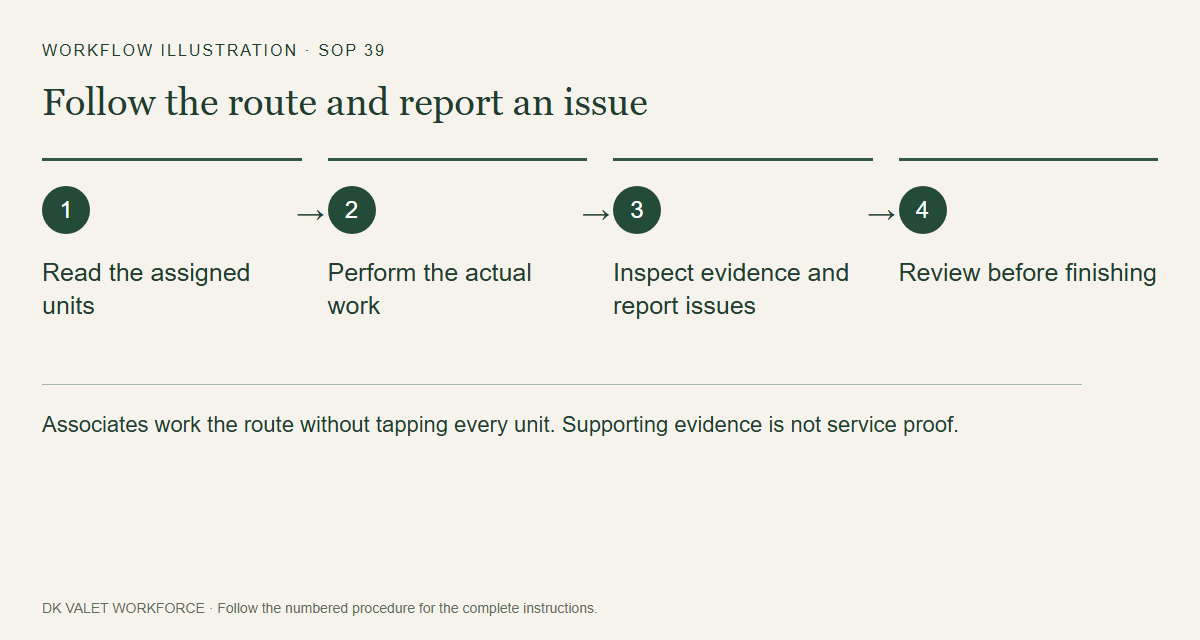
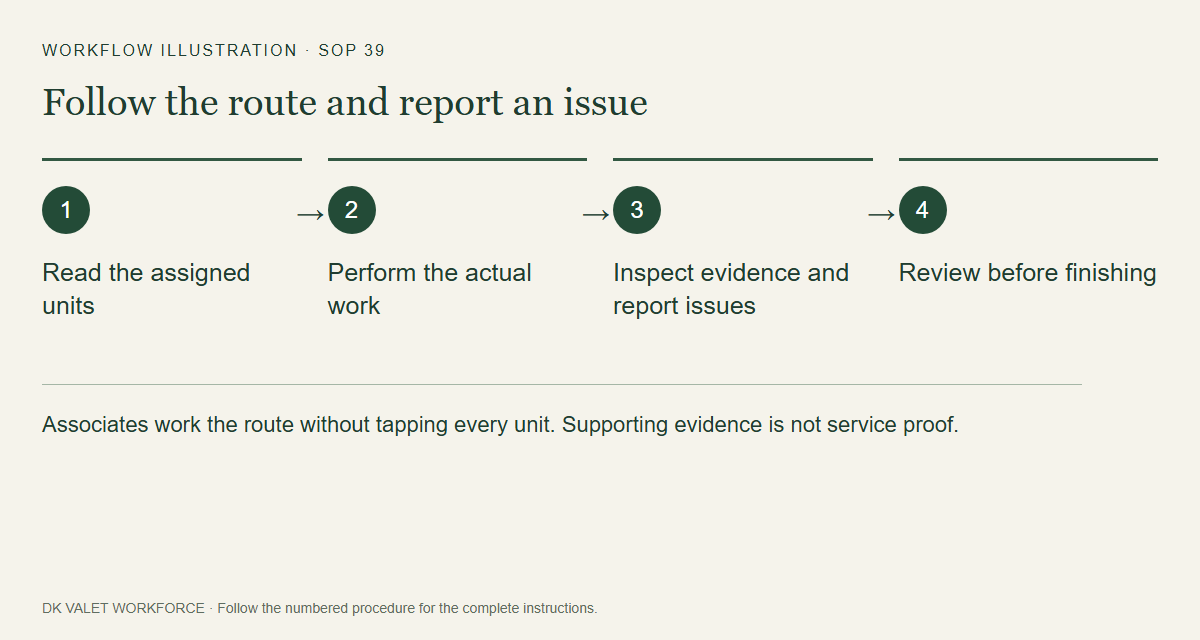
Associates work the route without tapping every unit. Supporting evidence is not service proof. Workflow illustration. Select the picture to enlarge. Step 3 Read evidence status
Watch supporting visit evidence, unresolved units, GPS accuracy and upload warnings. Those are evidence indicators, not proof that each unit was serviced.
Step 4 Report an issue
Use Report an issue and contact the supervisor shown. Describe blocked access, equipment problems or unresolved work.
Step 5 Finish when work ends
Select Finish route when done. If scheduled time has ended but the run is still active, complete closeout; the displayed separate safety cutoff still applies.
Step 6 Check your teammates
During a shared property run, orange pins show fresh coworker positions. Tap a T unit marker for attributed team evidence. Team confirmations do not silently increase your personal totals. Stopped or stale coworker positions disappear.
Check your result
You reach route review with an accurate understanding of the work performed and any exceptions.
If something goes wrong
If route or unit data is unavailable, refresh when connected and contact your supervisor. Do not claim all units were hit when unsure.