SOP 40 · Associate work · 2026-10-12
Finish a route and confirm clock out
Stop collection and submit an accurate completion statement.
Before you start
Review the actual work and unresolved units before confirming.
Open Your route > Finish route
Step 1 Review your route
Select Finish route. Complete the due clock-out questions and requested photos, then inspect Review your route and unresolved items. Questions are retained from when the clock-out step first opens.
Step 2 Choose the truthful statement
Use Confirm all units hit only if you can confirm it. Otherwise use Finish with exceptions and add the relevant note.
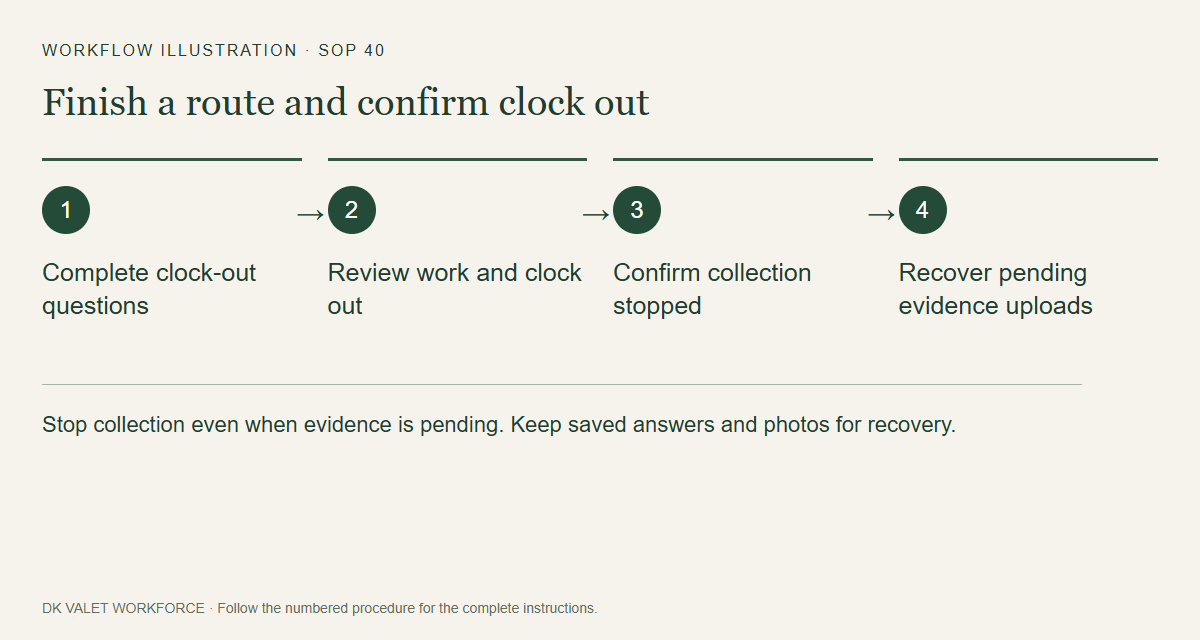
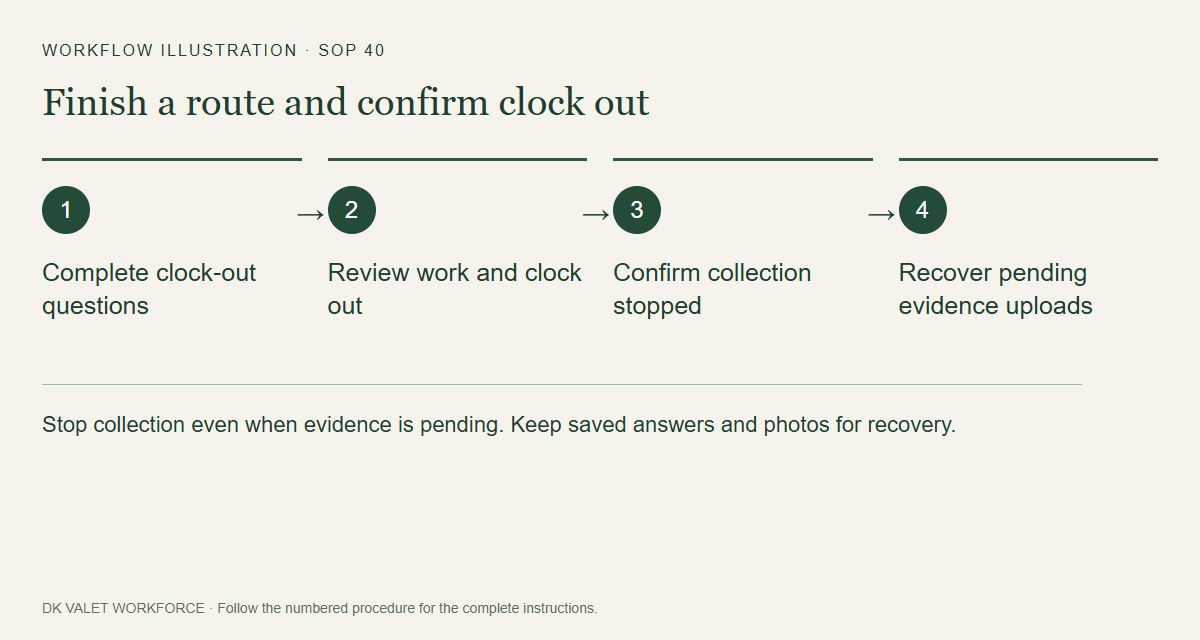
Stop collection even when evidence is pending. Keep saved answers and photos for recovery. Workflow illustration. Select the picture to enlarge. Step 3 Clock out and submit
Use Clock out and submit confirmation or Clock out with exceptions. Wait for the resulting stopped/finished state.
Step 4 Confirm the stop
If Collection is stopping remains, keep the phone online and use Retry clock-out confirmation.
Step 5 Confirm the upload
On Route finished, check collection stop separately from the statement, answers and photo uploads. Reconnect and use the displayed retry for pending evidence. Uploaded photos may still await manual supervisor review.
Check your result
Clock-out is recorded, collection is stopped and the finish statement is confirmed or explicitly marked pending.
If something goes wrong
Use the stop-with-exception action if questions or camera fail. If phone collection stop needs attention, turn off location permission and contact the supervisor. Never clear pending app data to retry.