SOP 41 · Associate work · 2026-10-12
Recover from offline or tracking problems
Protect pending work and resolve recording or upload failures.
Before you start
Stay with the same device and signed-in account holding the pending evidence.
Open Active run or setup > Status
Step 1 Read the exact warning
Distinguish permission failure, stale or inaccurate location, interrupted collection, camera/storage trouble and pending answers or photo uploads. Record the property, run and warning.
Step 2 Restore the required condition
Reconnect to the network for upload problems. Check location permission and services for recording problems. Return to the active task after changes.
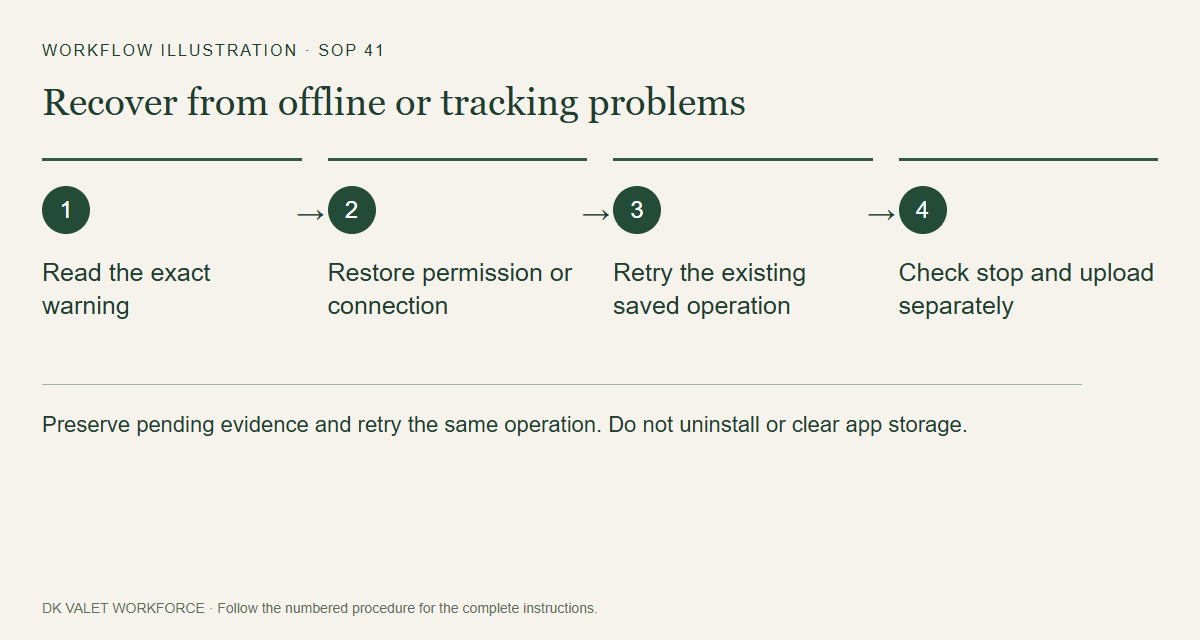
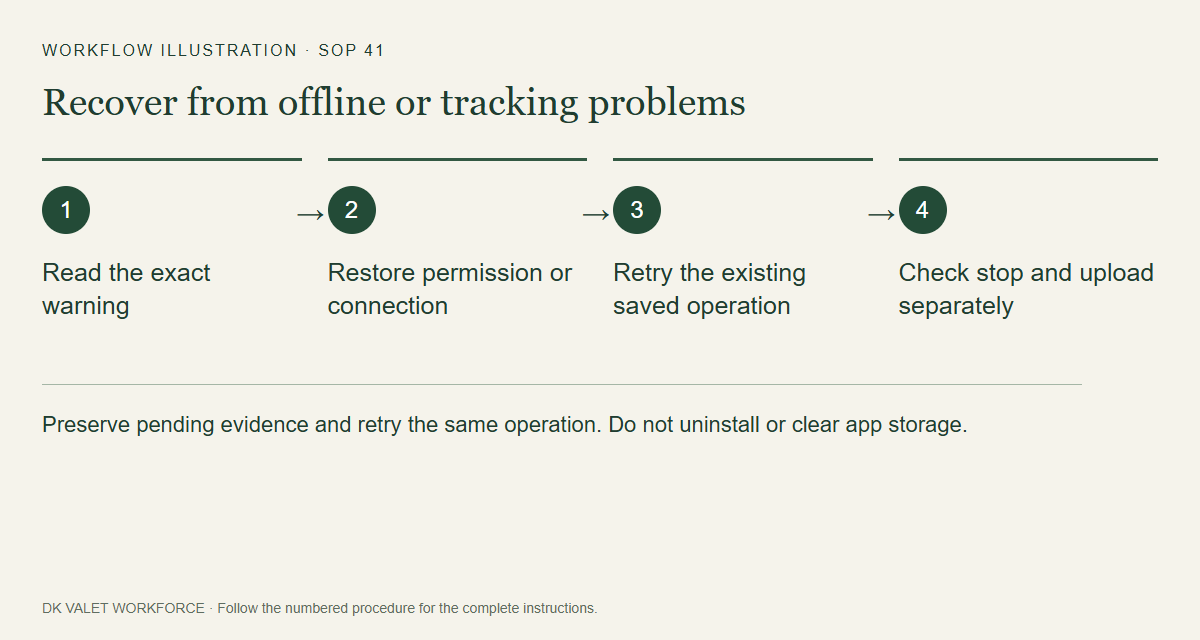
Preserve pending evidence and retry the same operation. Do not uninstall or clear app storage. Workflow illustration. Select the picture to enlarge. Step 3 Use the existing recovery action
Use the displayed recovery action for the same run. Saved question steps, answers and photos can upload after clock-out or expiration; reopening the app must not create a new answer merely to retry.
Step 4 Verify stop and upload separately
Read collection status separately from answer, photo, route and finish uploads. Saved on phone, uploaded and supervisor-reviewed are different results. An unresolved upload does not authorize off-shift collection.
Step 5 Escalate unresolved problems
Contact your supervisor with the message and approximate time. Keep the app’s pending records; do not uninstall or clear storage as a retry method.
Check your result
The app either confirms recovery or shows a specific remaining issue for supervisor follow-up.
If something goes wrong
An emergency cutoff limits authorization even while offline. Restoring connectivity does not authorize collecting new off-shift location.