SOP 06 · Property setup · 2026-10-12
Complete property readiness
Check all requirements before assigning operational work.
Before you start
The property must already exist.
Open Manage > Property readiness
Step 1 Open the readiness checklist
Choose the property and read Ready for operations. Open each incomplete required step.
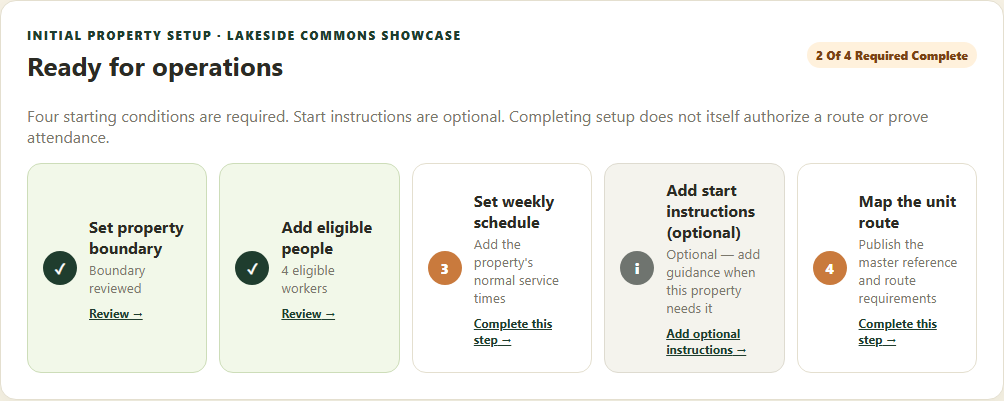
Complete the four required readiness items for the selected property. Application screenshot with training data. Select the picture to enlarge. Step 2 Complete the first three requirements
Save a reviewed boundary, add at least one eligible worker and save weekly service times with staffing requirements.
Step 3 Complete the unit route
Perform the mobile setup walk, review its unit marks, publish a master reference and explicitly publish the associate route.
Step 4 Review instructions and run questions
Add useful start instructions and review Run questions for clock-in and clock-out. Use SOP 31 to configure company and property questions. Return to readiness and verify all four required steps.
Check your result
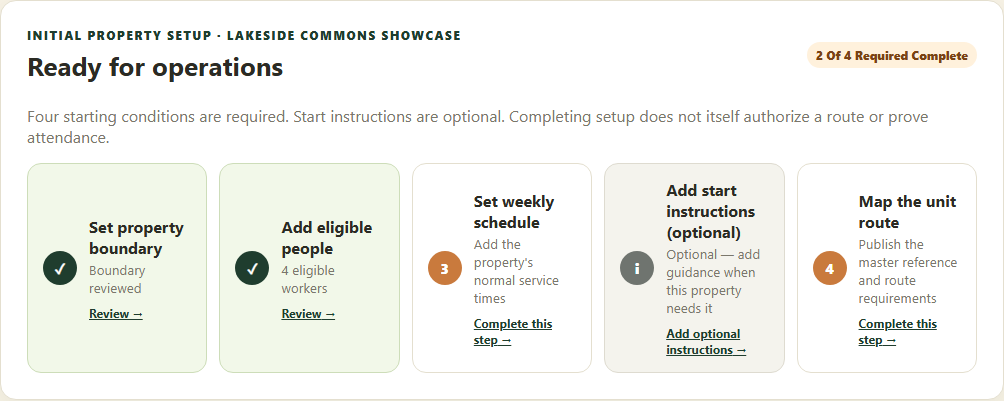
Ready for operations is displayed for the selected property.
If something goes wrong
Readiness does not itself clock anyone in. Device, assignment, training, policy and current start checks still apply.