SOP 25 · Property setup · 2026-10-12
Review setup walks and unit records
Inspect a completed setup recording and review its explicit unit marks.
Before you start
At least one setup walk must have accepted evidence.
Open Property readiness > Review setup walks and unit records
Step 1 Open the completed walk
Select the property and choose View walk and captured data or the completed setup review on mobile.
Step 2 Check recording completeness
Compare recorded interval, GPS points, unit marks, samples and upload or gap warnings. Use replay and time controls to inspect the whole walk.
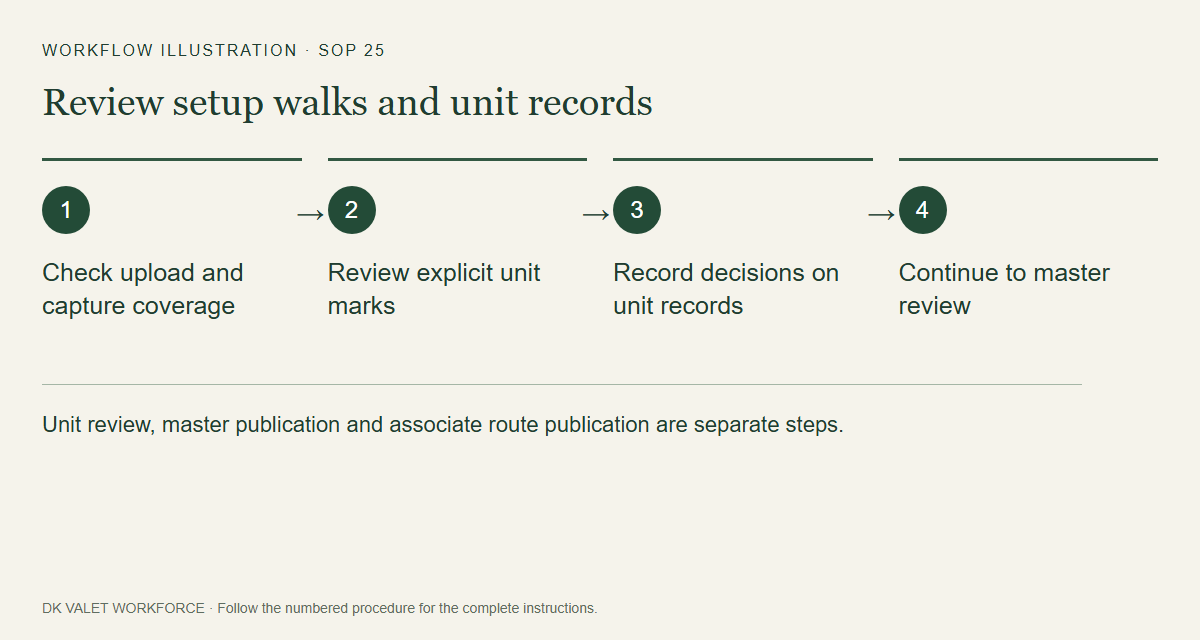
Unit review, master publication and associate route publication are separate steps. Workflow illustration. Select the picture to enlarge. Step 3 Inspect marked unit sequence
Check unit labels, building/floor observations, duplicates and their capture order. Read observed coordinates with accuracy metadata.
Step 4 Compare server analysis models
After uploads finish, open Models on mobile or Model analysis in web review. Select V1, V4, V5, V6 or V7, then Analyze recording. V7 is a sparse-GPS experiment: compare GPS budgets, missing coverage and the 90% within 5 m target; offline controls use future GPS. Inspect the route and metrics; open Details for provenance. Pause stops after the current saved path step; Analyze resumes. Refresh models loads server additions. Download full JSON on web or share a mobile summary, keeping the model revision and input digest with your independent observer log. Results remain estimates and do not change the published master.
Step 5 Review unit records on web
Where a unit is awaiting review, set its checkpoint label, order, decision and review note. Use Record review to approve/promote or reject the draft.
Step 6 Continue to master review
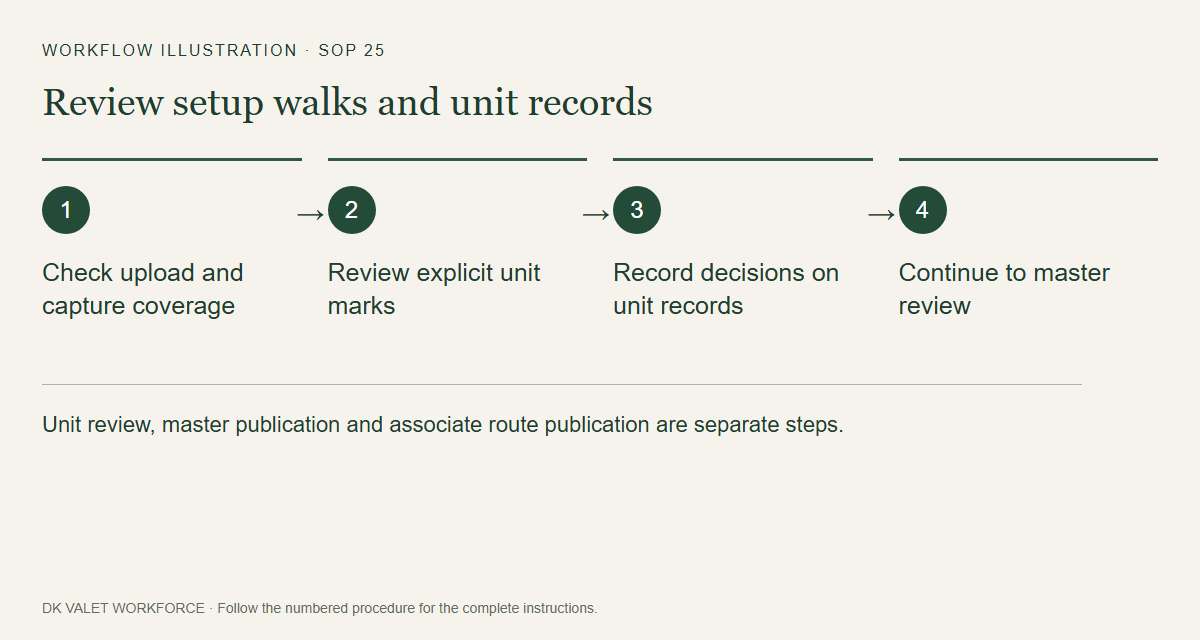
Choose appropriate reviewed marks in the master workspace. Reviewing a mark alone does not publish an associate route.
Check your result
Each reviewed unit retains its decision and the accepted walk is ready for master-reference review.
If something goes wrong
Incomplete uploads and GPS gaps must stay visible. Do not infer an exact floor from pressure or GPS alone.