SOP 27 · Property setup · 2026-10-12
Publish the associate route
Make every unit from the approved master available to future associate runs.
Before you start
A complete reviewed master with positioned units must exist.
Open Manage > Master units & checkpoints > Publish the associate route
Step 1 Review the master
Open Publish the associate route for the correct property. Verify the master version and all required units.
Step 2 Name and scope the route
Enter the route name and choose the property default or intended phase using the form. Provide the publication reason.
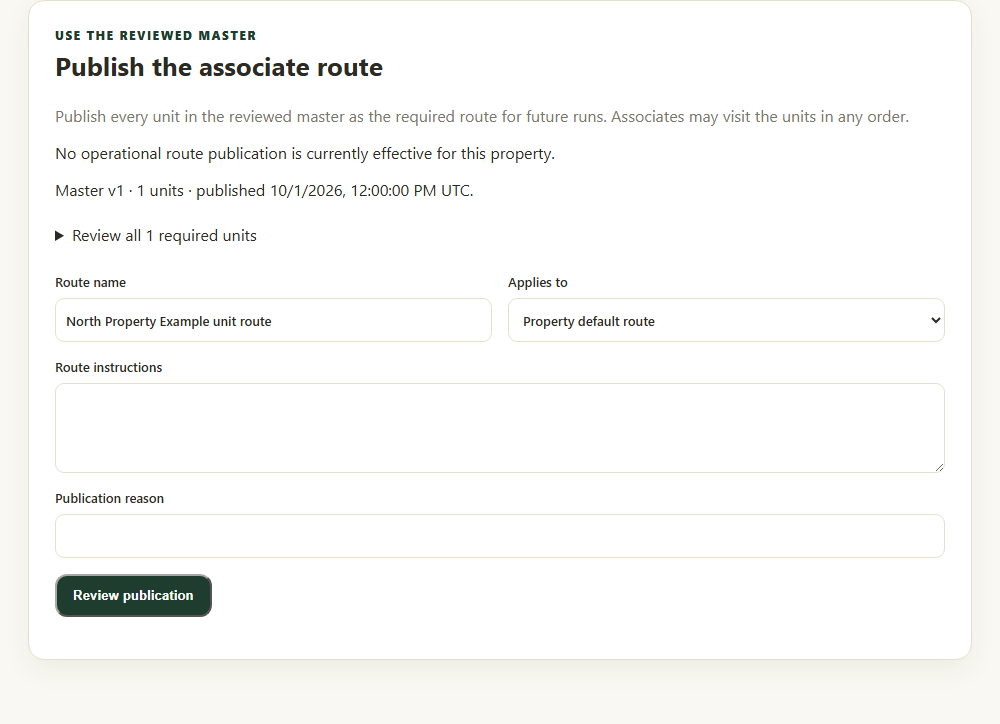
Check the master version, route name, phase and reason before review. Application component preview with training data. Select the picture to enlarge. Step 3 Review publication
Select Review publication. Check route name, scope, master version and total units.
Step 4 Confirm and verify
Confirm the publication. Inspect Current operational routes and return to property readiness to check the unit route requirement.
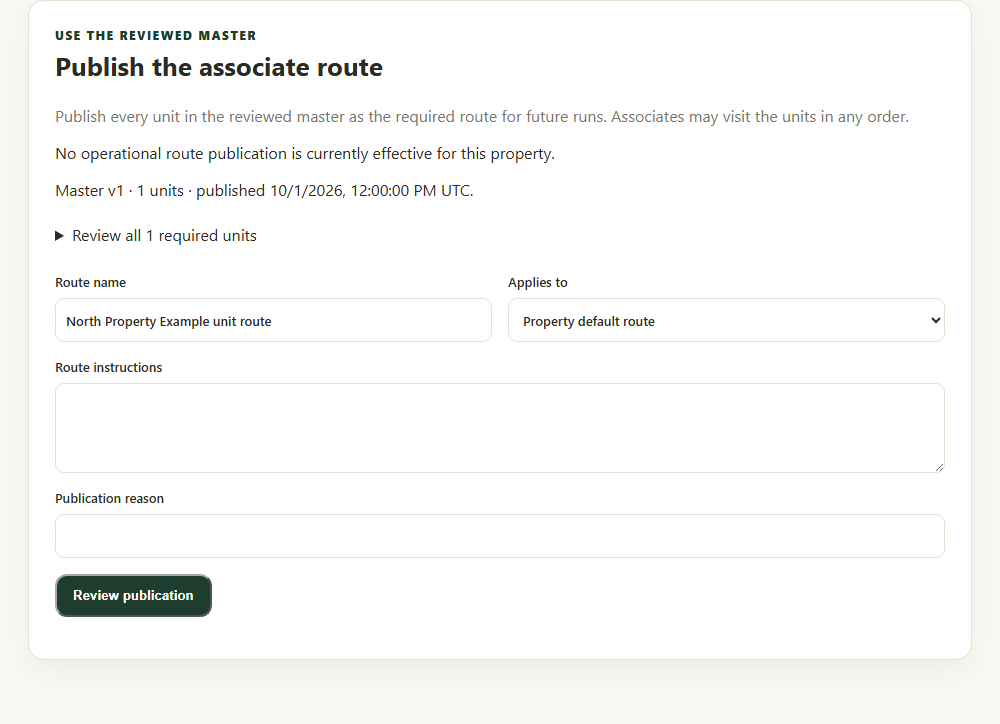
Check your result
The operational route records the intended master version and all its units for future starts.
If something goes wrong
A master publication and an associate-route publication are separate actions. Existing runs keep their pinned reference.