SOP 28 · Advanced administration · 2026-10-12
Maintain checkpoint definitions
Maintain reviewed labels, order and optional reference coordinates.
Before you start
Use the correct property and a reviewed source for any coordinates.
Open Manage > Master units & checkpoints
Step 1 Open checkpoint configuration
Select the property and inspect the ground-truth map and configured checkpoints.
Step 2 Add or open a checkpoint
Use Add checkpoint or the existing checkpoint editor. Enter Label, Kind, Building, Floor and Unit label where applicable.
Step 3 Review order and position
Set Sort order. Add optional Latitude and Longitude only from a reviewed reference and preserve the stated uncertainty.
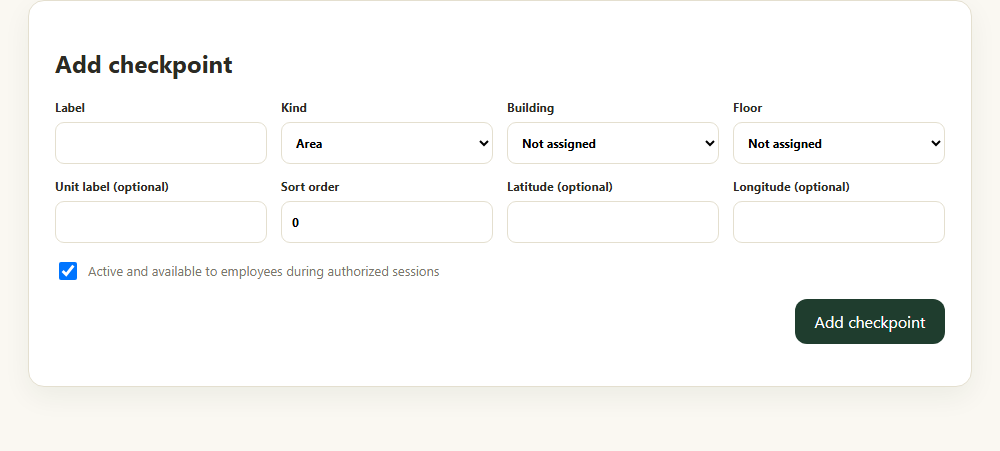
Maintain the checkpoint label, type, order and reviewed position. Application component preview with training data. Select the picture to enlarge. Step 4 Save and inspect
Use the create/update action and wait for success. Review the ordered list and map. Review and publish the operational route separately when required.
Check your result
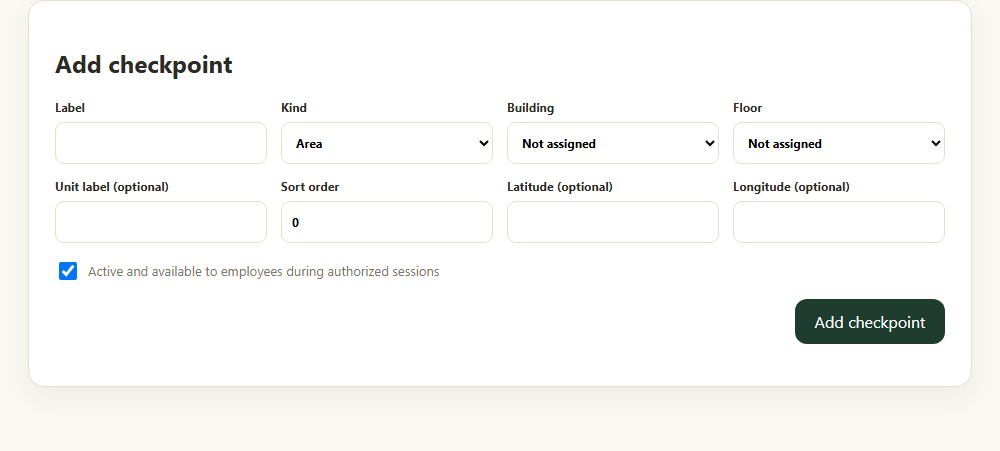
The checkpoint definition is saved in the selected property.
If something goes wrong
Editing a reference does not retroactively rewrite raw tracking events or prove a prior unit visit.