SOP 46 · Advanced administration · 2026-10-12
Use the setup research workbench
Compare existing recorded evidence using the available research tools.
Before you start
Use only an authorized research workflow. Experiments are separate from route publication.
Open Completed setup run > Research workbench
Step 1 Open the source recording
Choose the correct property and completed setup run, then open Research workbench when available.
Step 2 Select the comparison
Read the available model, replay and analysis options. Keep the recorded run and comparison settings identifiable.
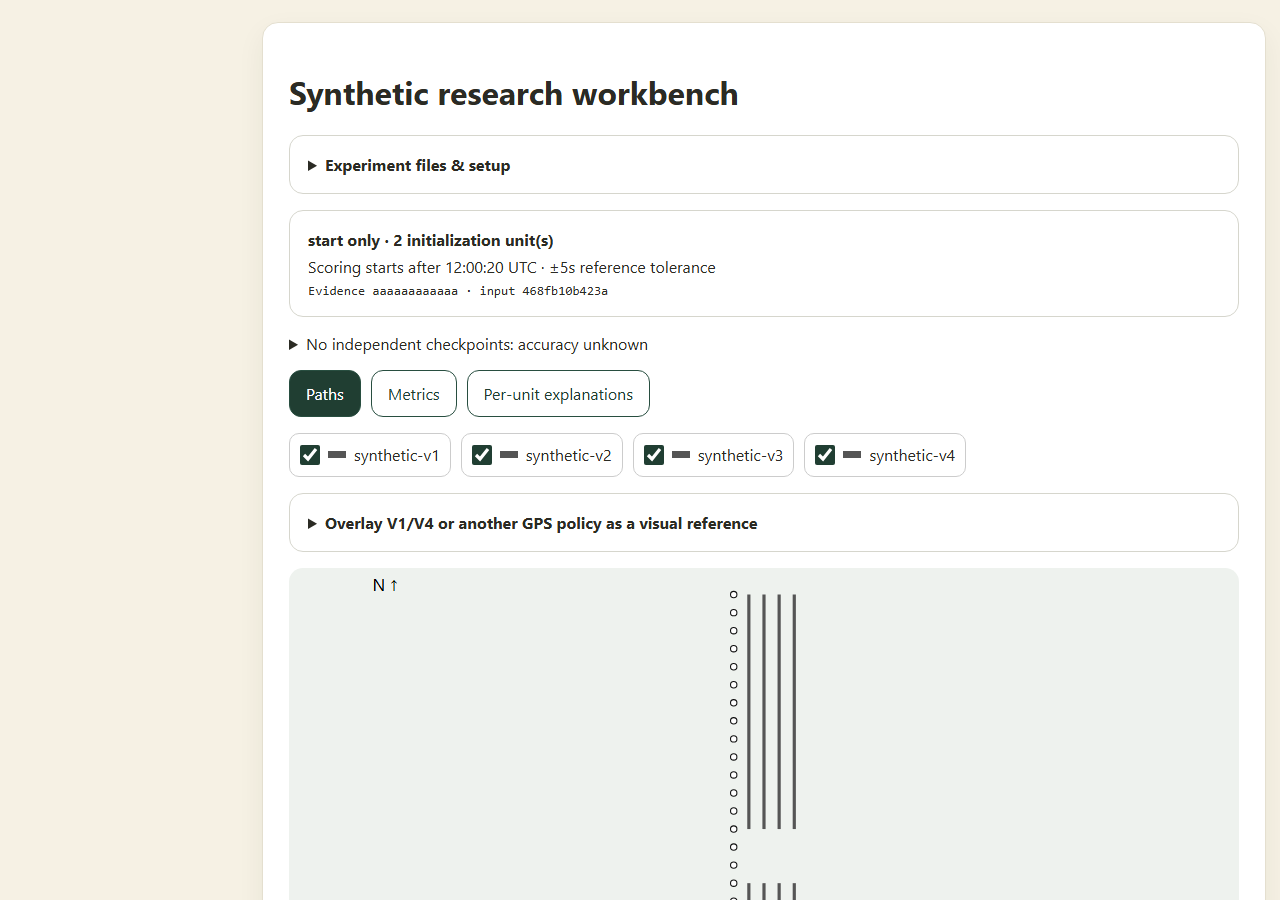
Compare retained setup evidence in the research workbench; model paths remain estimates. Application component preview with training data. Select the picture to enlarge. Step 3 Run and inspect the result
Use the offered comparison action and wait for results. Inspect raw coverage, marked units, path gaps and uncertainty together.
Step 4 Keep the interpretation qualified
Record observations for the authorized study. Publish operational references only through the separate reviewed master and associate-route workflows.
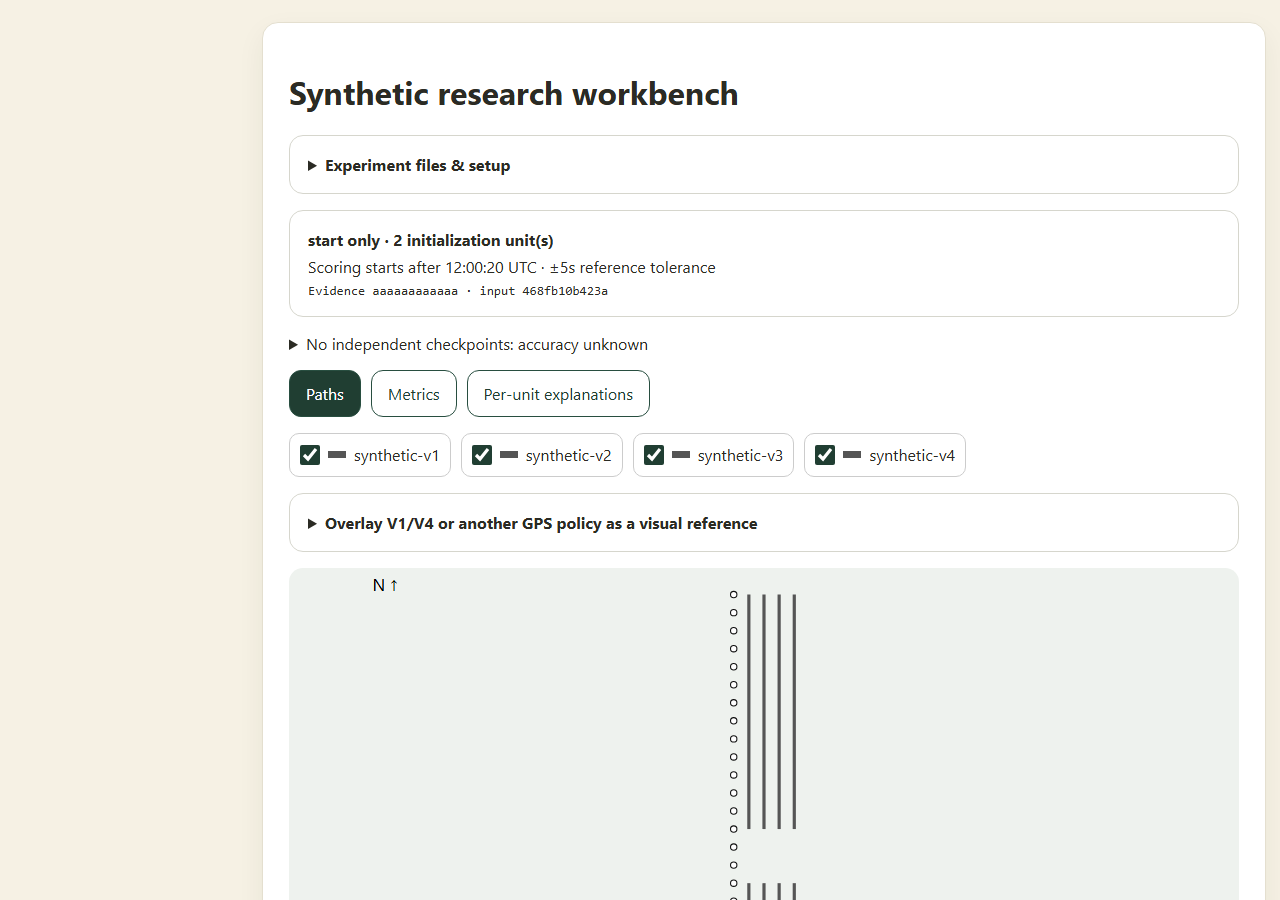
Check your result
The result is tied to a known recording and comparison configuration.
If something goes wrong
A research path is an estimate. This screen does not authorize new collection or automatically change the operational master.