SOP 30 · Advanced administration · 2026-10-12
Publish run requirements and review closeout exceptions
Configure explicit checkpoint requirements and review incomplete or unknown closeouts.
Before you start
Checkpoints and any required phases must exist.
Open Manage > Run requirements; Review > Run closeouts
Step 1 Choose the property
Open Manage > Run requirements and select the intended property. Current requirements are read-only until you choose Edit requirements.
Step 2 Define a new version
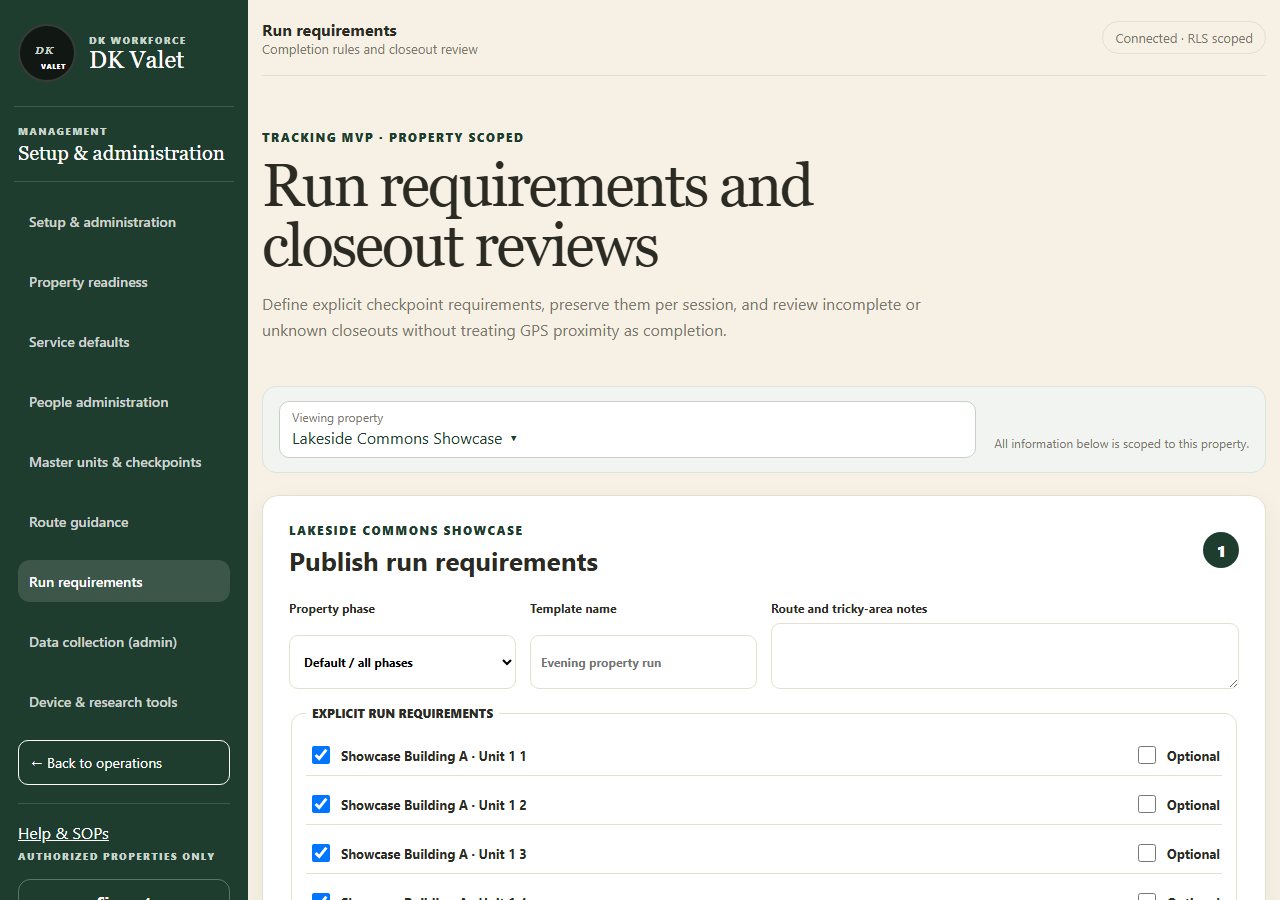
Under Edit requirements > Publish run requirements, enter the template details, phase, checkpoint requirements and route notes. Review required versus optional items.
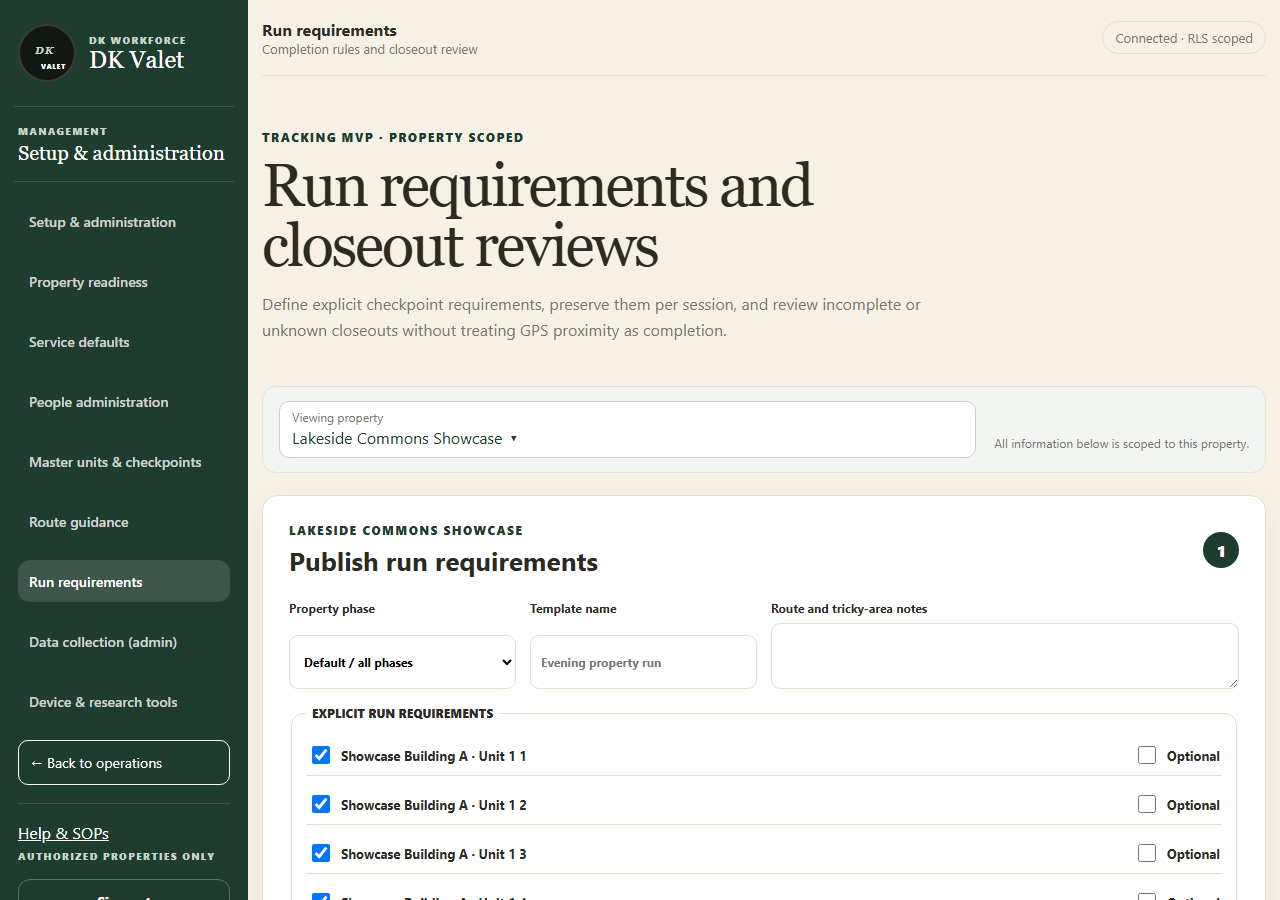
Run requirements and closeout reviews: use the property selector and the task controls shown. Application screenshot with training data. Select the picture to enlarge. Step 3 Publish and inspect
Select Publish new version and verify it under Current phase templates. New runs use the applicable effective version.
Step 4 Review exceptions
Open Review > Run closeouts and select the property. The queue starts with Needs review; use search and status filters to find a run or review history. Select a run to inspect accepted, missing and unknown evidence and the employee reason.
Step 5 Record the review
Choose the review decision and note, select Mark as reviewed, then Confirm review.
Check your result
The template version or exception review is recorded with its property scope.
If something goes wrong
If no template is configured, closeout may remain unknown. A reviewed override does not create missing checkpoint evidence.