SOP 44 · Advanced administration · 2026-10-12
Manage approved data collection and timing policies
Review effective settings and apply an approved policy to future work.
Before you start
Administrator access and approval for the intended collection configuration are required. This guide does not authorize a new pilot.
Open Manage > Data collection admin
Step 1 Choose the scope
Open Data collection and select the intended organization/property. Read inherited defaults and current property overrides.
Step 2 Review the relevant section
Choose routine tracking, setup sensors, associate route evidence, collection defaults or run timing as appropriate. Read the displayed effective settings.
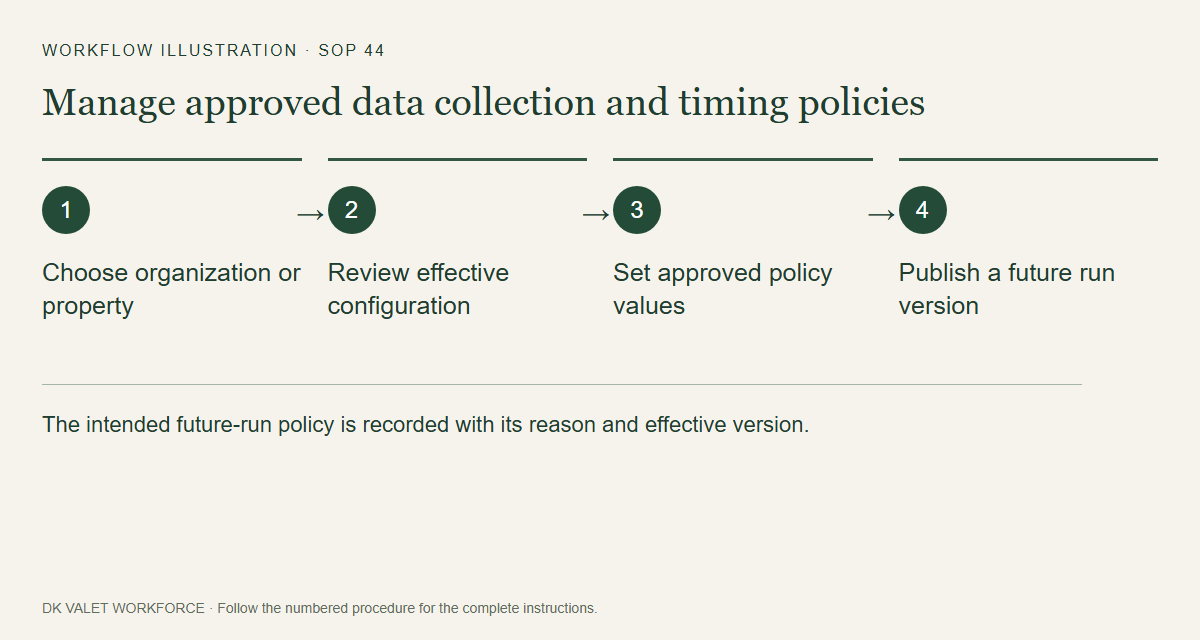
The intended future-run policy is recorded with its reason and effective version. Workflow illustration. Select the picture to enlarge. Step 3 Enter approved values
Set only the approved values, notice version and reason. For timing, review early-start behavior and the separate maximum run duration.
Step 4 Confirm future-run changes
Review the form’s confirmation checkbox or review step and publish using the named policy action.
Step 5 Verify the effective version
Refresh and confirm the new version and scope. Existing sessions keep their authorized snapshot and emergency cutoff.
Check your result
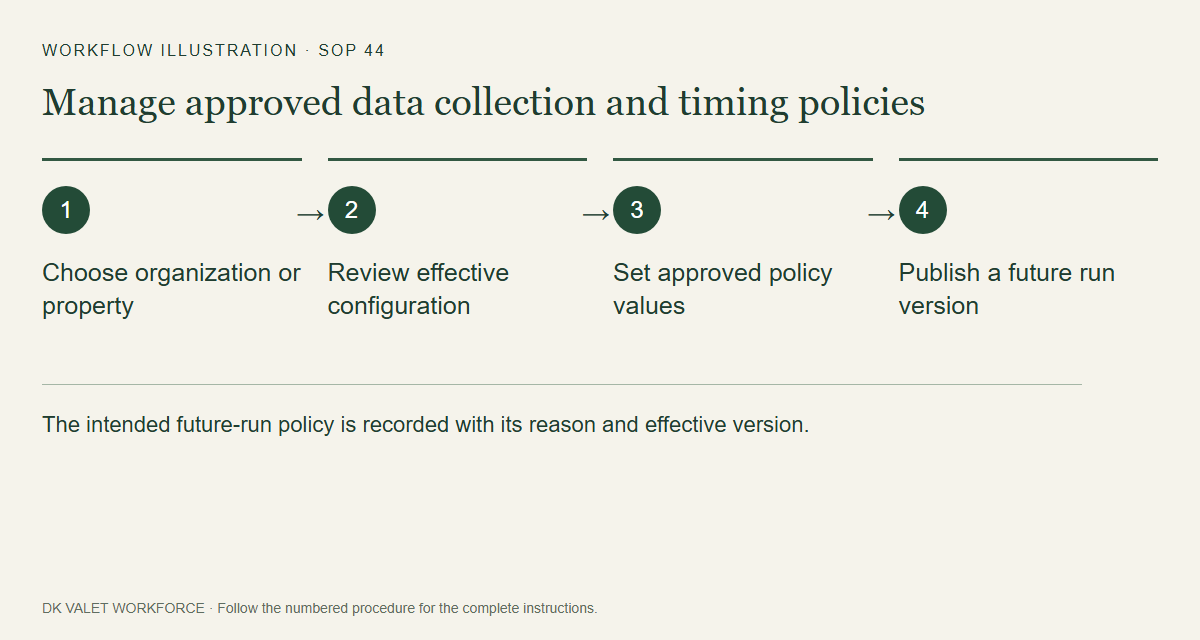
The intended future-run policy is recorded with its reason and effective version.
If something goes wrong
Technical settings do not themselves approve employee notice, retention, experimental pilots or employment consequences.