SOP 43 · Advanced administration · 2026-10-12
Inspect processing health and retry a failed job
Find processing failures and retry only after reviewing the issue.
Before you start
Support access is required. Associate uploads may need to arrive before analysis can finish.
Open Manage > Operational support
Step 1 Open processing health
Choose Manage and View processing health, or Operational support on mobile. Select the authorized property scope.
Step 2 Inspect the job
Read queue status, failure information and the associated session. Check device diagnostics and push delivery information when relevant.
Step 3 Review an eligible retry
For a job needing attention, select Review retry and investigate repeated failures before retrying.
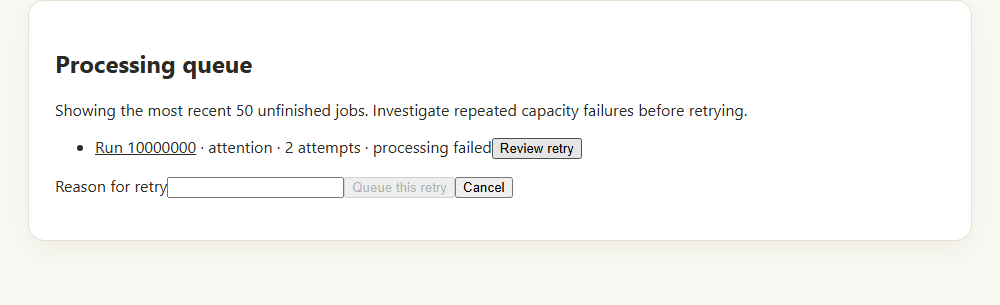
Review an unfinished job and give a reason before queueing its retry. Application component preview with training data. Select the picture to enlarge. Step 4 Queue and verify
Enter Reason for retry and select Queue this retry. Refresh the queue and later inspect the run’s analysis result.
Check your result
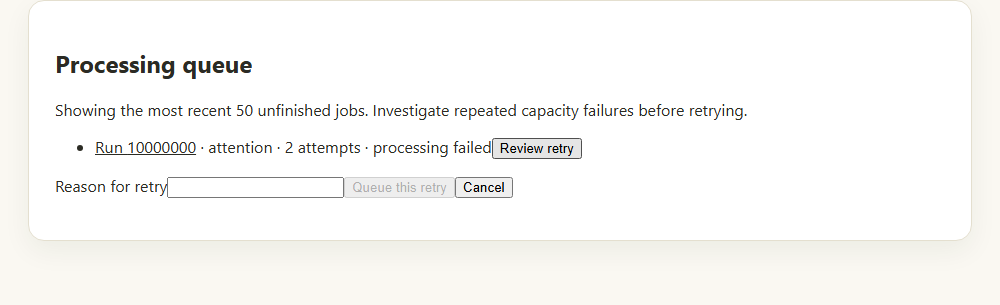
The job shows its new queue state or a completed analysis result.
If something goes wrong
Repeated capacity or processing failures need an administrator’s investigation. Repeated retries alone are not a repair.