SOP 47 · Advanced administration · 2026-10-12
Perform an authorized guided movement test
Follow the existing measured walking/stopping test sequence and inspect local results.
Before you start
An authorized setup session, supported build and safe measured test area are required. Use only an approved field study.
Open Property setup > Movement tests or Saved tests
Step 1 Open Movement tests
In property setup select Movement tests. Prepare the specified straight or square course and review the recording mode.
Step 2 Start and follow the prompts
Pass start checks and start test recording. Follow each on-screen trial’s walking, turning or stopping instructions and enter actual observations when requested.
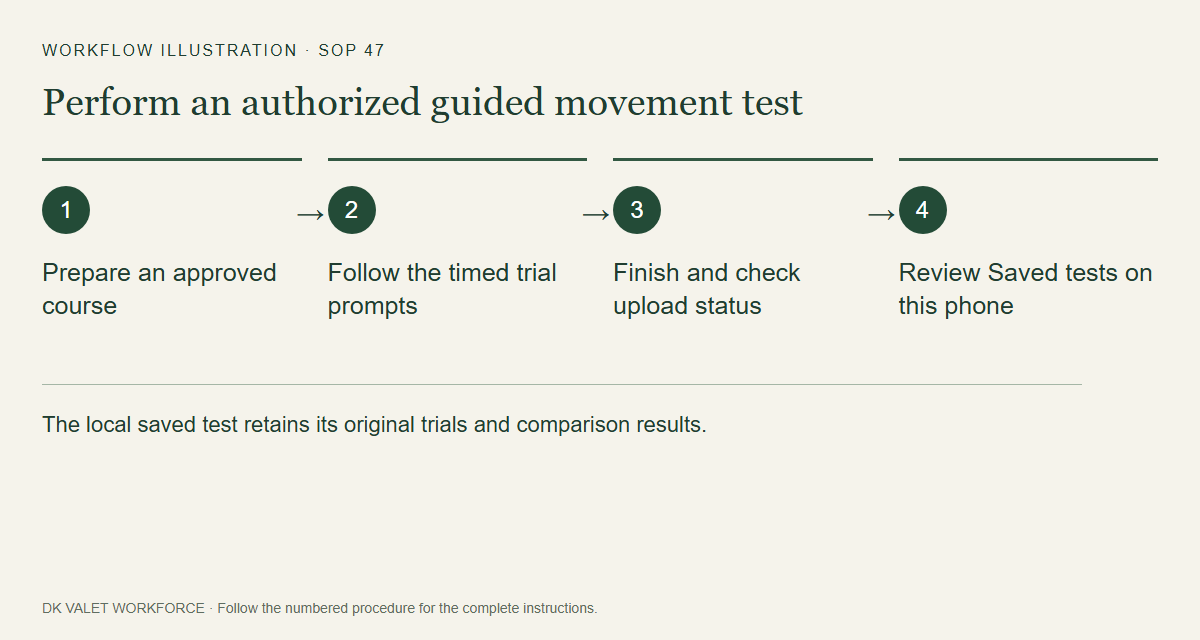
The local saved test retains its original trials and comparison results. Workflow illustration. Select the picture to enlarge. Step 3 Finish the recording
Complete the prescribed trials and finish the authorized setup recording. Check pending uploads and save status.
Step 4 Inspect Saved tests
Open Saved tests on the same phone, select the recording and review the preserved trials and comparisons.
Check your result
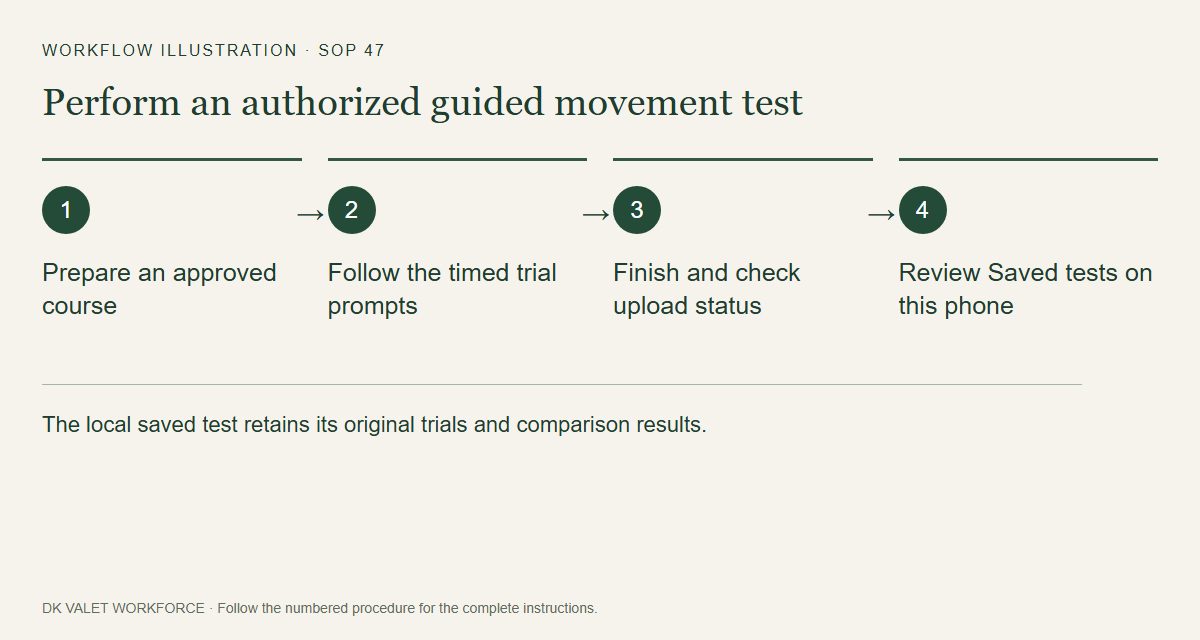
The local saved test retains its original trials and comparison results.
If something goes wrong
These tests do not prove exact indoor location and do not replace operational setup or route publication.