SOP 48 · Advanced administration · 2026-10-12
Find missing setup history and request an archive review
Understand why an earlier setup may be hidden and request an authorized history review.
Before you start
Have the property and approximate recording date. There is no end-user archive or restore button in this version.
Open Property readiness > Setup history
Step 1 Refresh the property history
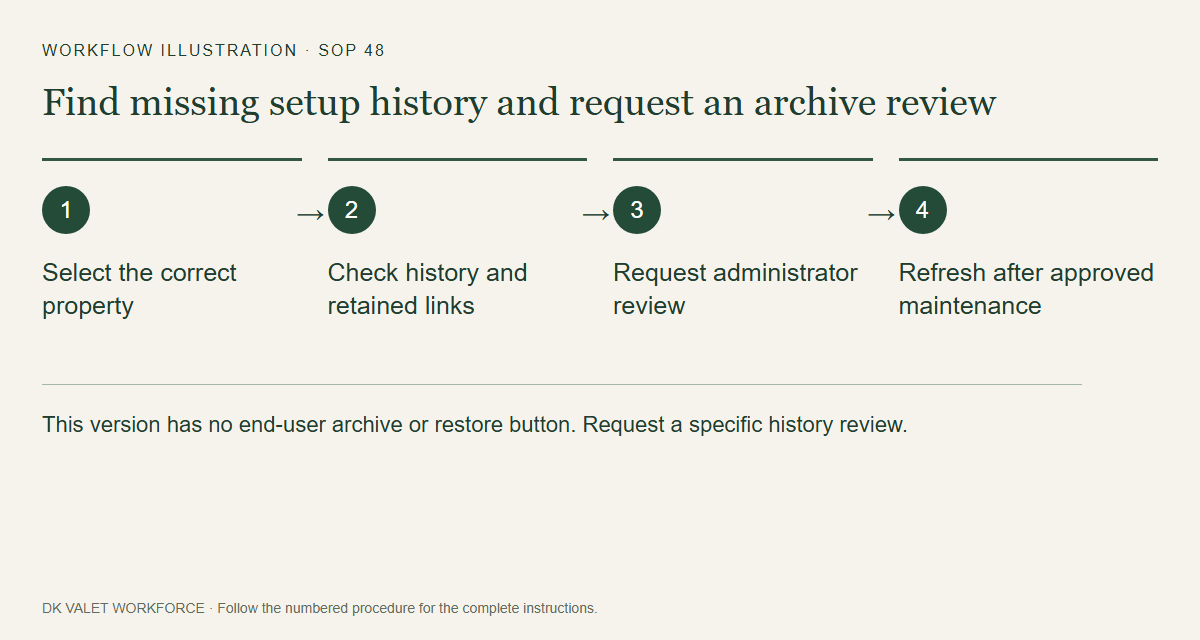
Open the correct property’s setup history and refresh or reopen it. Confirm that you are looking at the intended property.
Step 2 Check retained references
An archived walk may be hidden from ordinary history while a published master still refers to it. Use an authorized source-evidence link from the retained reference when offered.
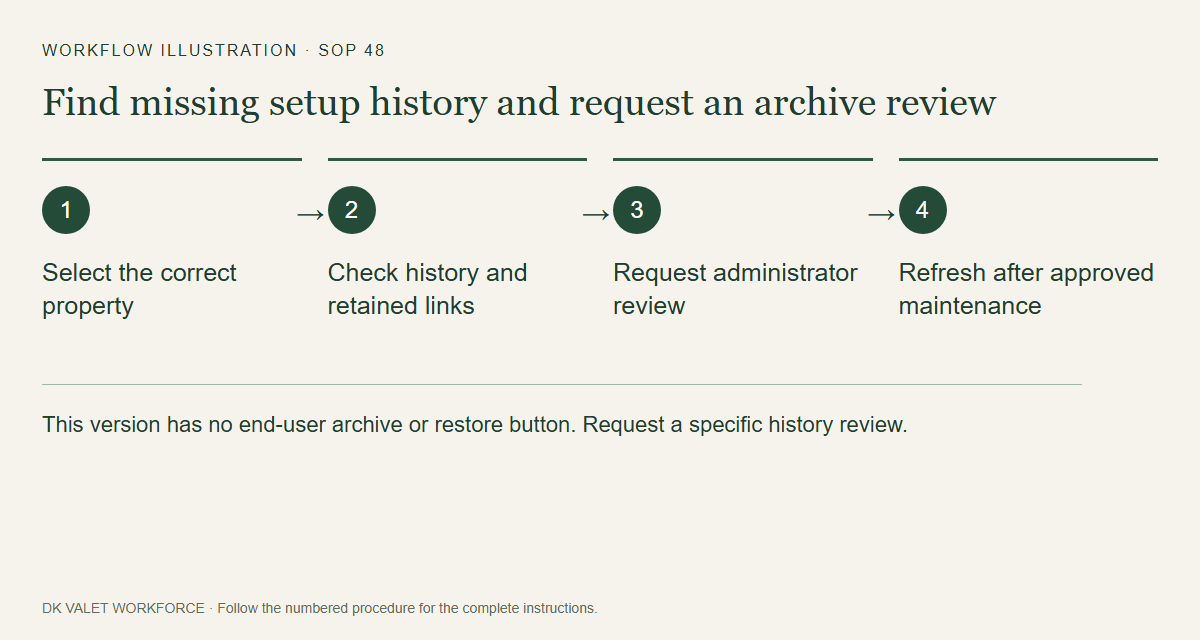
This version has no end-user archive or restore button. Request a specific history review. Workflow illustration. Select the picture to enlarge. Step 3 Request an administrator review
Send the responsible administrator the property, recording date and reason for reviewing hidden history. Archive or restore requires a separately approved operator maintenance action.
Step 4 Verify after the approved change
After the administrator confirms a change, refresh history and verify the intended visibility. Raw observations and published references are retained.
Check your result
The missing history is explained or the approved visibility change appears after refresh.
If something goes wrong
Do not try to delete a property or change its current master to clear history. Ask the administrator to investigate the specific recording.