SOP 51 · Advanced administration · 2026-10-12
Set an effective staffing target
Record a property staffing target from an approved effective date.
Before you start
Property-administrator permission is required. Distinguish this target from the people needed in each recurring service window.
Open Property schedule > Set staffing target
Step 1 Open the target form
Open the portfolio/property schedule tools and locate Set staffing target.
Step 2 Choose property and headcount
Select Property and enter Required headcount. Confirm the target is for the selected property.
Step 3 Set the effective time and reason
Enter Effective from (property time) and the approved Reason. Check the property time zone.
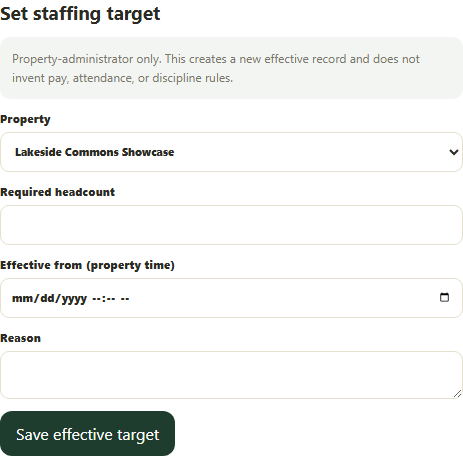
Set an effective property-local staffing target with a reason. Application screenshot with training data. Select the picture to enlarge. Step 4 Save and verify
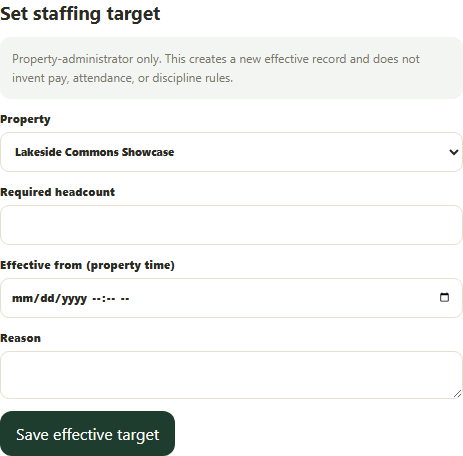
Select Save effective target, wait for confirmation and inspect the staffing summary after refresh.
Check your result
A new effective target is recorded; it does not itself assign any worker.
If something goes wrong
Use Service defaults to change individual recurring window requirements and Schedule to assign workers.