SOP 45 · Advanced administration · 2026-10-12
Read device and tracking insights
Inspect aggregate quality patterns without overinterpreting small cohorts.
Before you start
Authorized insight access is required.
Open Manage > Device & research tools
Step 1 Open the insight screen
Select Device & tracking insights from authorized administration tools.
Step 2 Set the available filters
Choose property and the available device, platform or time filters. Read the cohort counts.
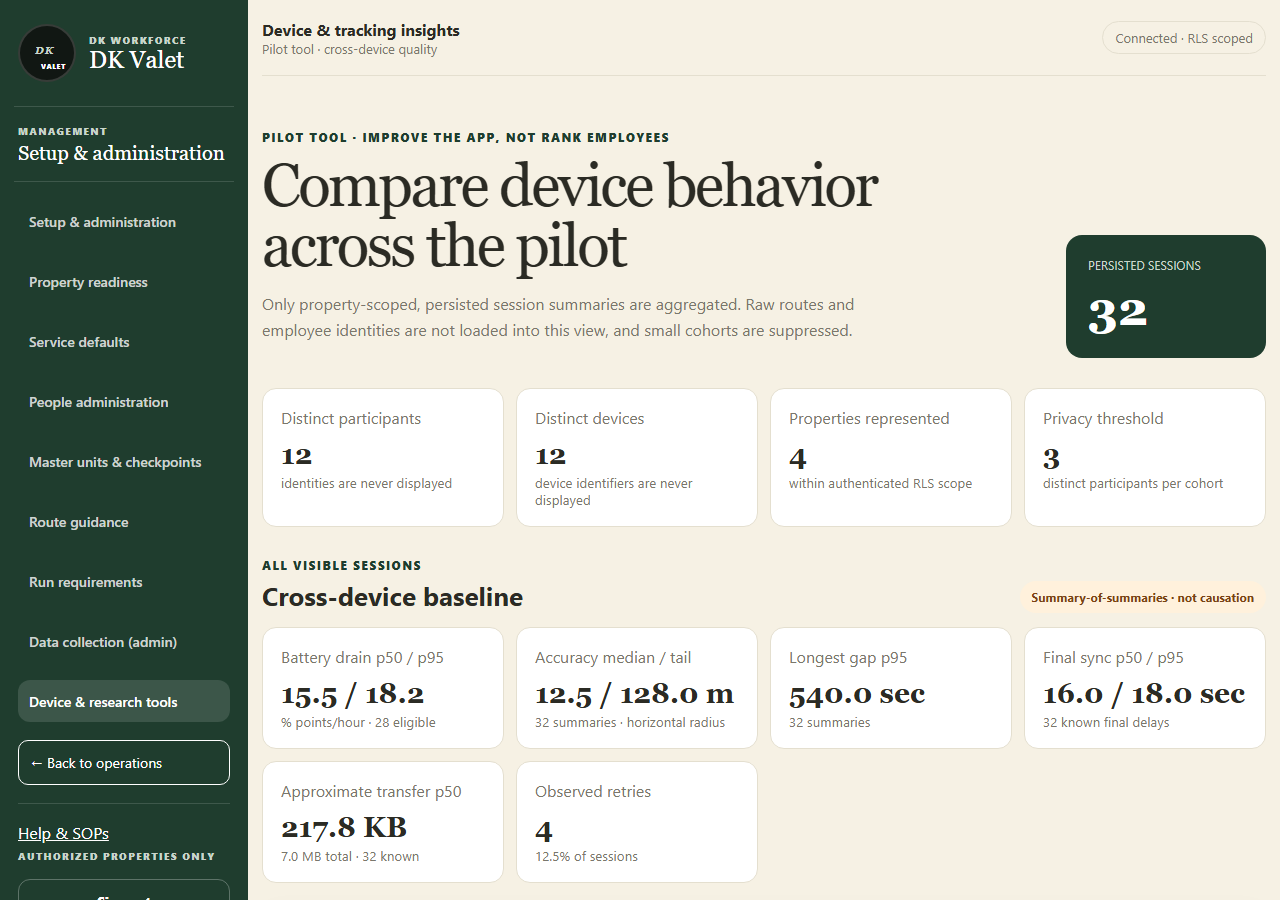
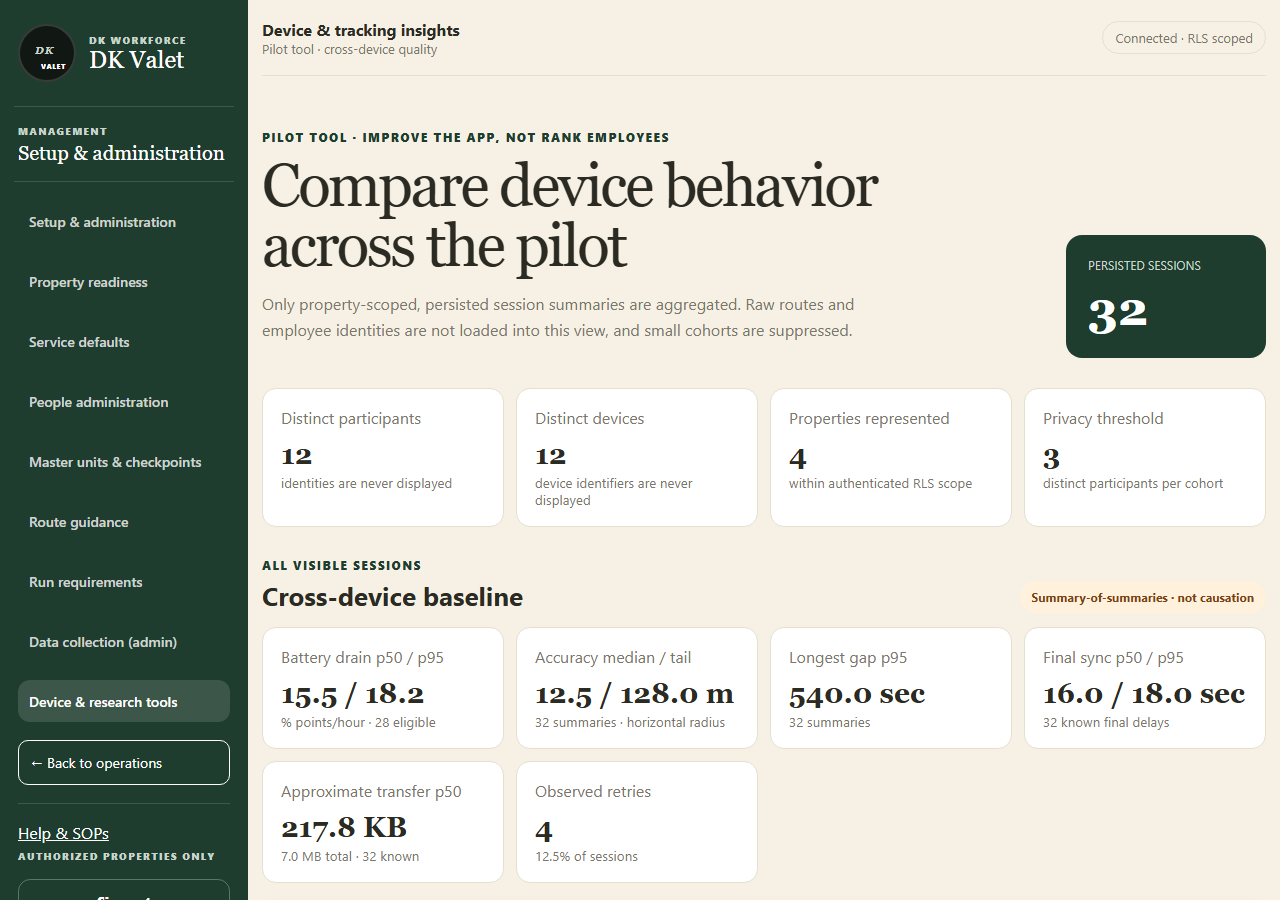
Compare device behavior across the pilot: use the property selector and the task controls shown. Application screenshot with training data. Select the picture to enlarge. Step 3 Interpret the quality measures
Compare accuracy, freshness, permission, sync and device dimensions together. Respect suppressed or unknown results.
Step 4 Investigate a supported issue
Use an authorized run review or Operational support for a concrete failure. Preserve the distinction between device quality and employee performance.
Check your result
You can describe the supported quality pattern and any limitations of the cohort.
If something goes wrong
Small cohorts may be withheld. Missing or degraded evidence cannot be converted into an exact indoor visit claim.